


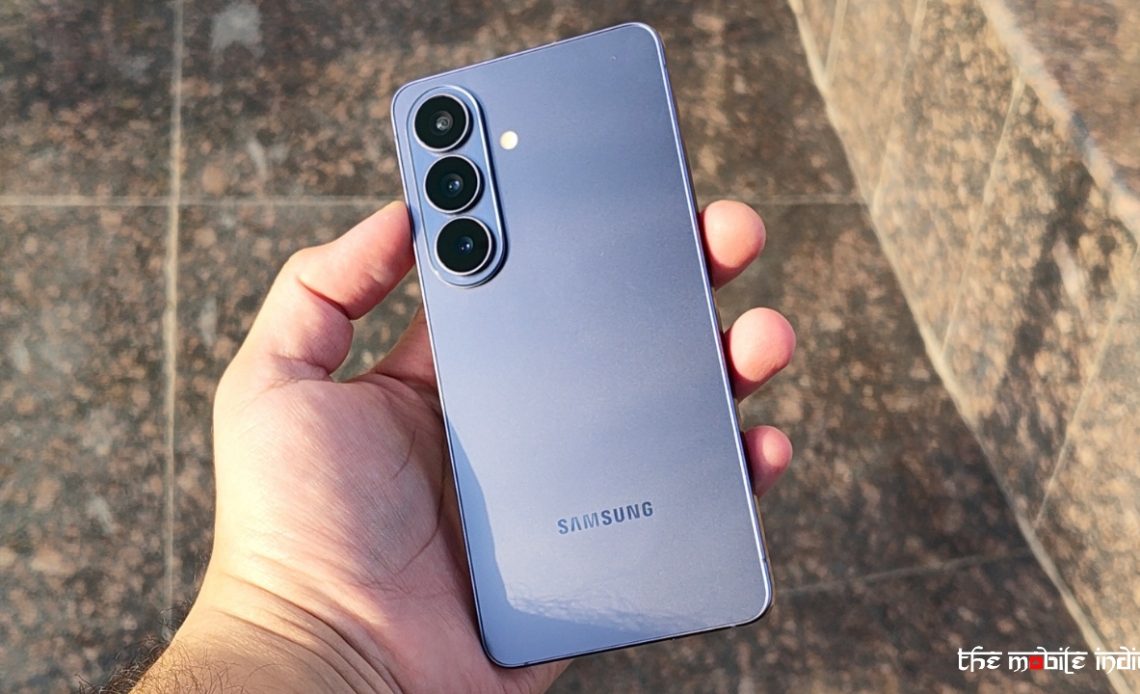
Samsung has begun rolling out stable One UI 9 update for Galaxy S26 series, after the software version first debuted on the Galaxy Z Fold 8 series and Flip 8. The rollout begins today, September 16, for Galaxy S26, S26+, and the S26 Ultra. Here’s what to expect from the update.
One UI 9 Update for Galaxy S26 Series: Everything New
The latest One UI 9 software update focuses on personalisation, AI-powered tools, device care, privacy and security, while also making several everyday tasks easier to manage.
One of the notable additions is My FanCam, which can automatically track a selected person in a recorded video and keep them centred in the frame. The feature intelligently reframes footage as the subject moves, allowing users to create social media-ready clips without manually adjusting the framing. It can be useful for recording everything from a child’s performance and a friend’s dance routine to moments at a sporting event.
Samsung is also adding Generative and Editable Cards to Now Brief. The feature gives users more control over the information included in their daily summaries, with the option to create cards related to areas such as health, weather and video. This allows Now Brief to show information that is more relevant to each user’s routine.
Also Read: Samsung Galaxy Z Fold 8 Ultra Review: The Foldable to Beat, If You Can Afford It
One UI 9 also brings Warranty and Care directly into the Settings menu. Users can check warranty coverage for connected mobile devices, run self-diagnostics, view repair estimates and manage Samsung Care+ or book service appointments without having to navigate through separate services.
Samsung is also making several existing Galaxy features more context-aware. Now Nudge can surface suggestions based on what users are doing, helping them complete certain actions without interrupting their current activity. For example, while discussing plans over text, users can access reservation details or save a shared location without leaving the conversation.
Creative Studio is getting event-based suggestions as well. When an upcoming occasion such as a friend’s birthday is detected, the feature can suggest ideas for generating themed images or greetings, giving users a quicker way to create personalised content.
The Interpreter App is also getting an update with a new Thread View, which lets users refer back to earlier parts of a translated conversation. Samsung says Conversation Mode translation is now faster, while compatible Galaxy Buds can provide quicker audio playback, helping conversations feel more continuous.
Document Scan has been improved to handle more difficult documents, including curved book pages and papers with folded corners. Compatible Galaxy devices with larger displays also get optimised viewing, while an improved Finger Eraser is designed to make it easier to clean up scans.
Also Read: Samsung Galaxy Z Fold 8 Review: Smaller in Size, Bigger in Impact
Voice Recorder is getting a more structured summary format, with information presented using elements such as headings and tables. This should make longer recordings and their key points easier to review.
Samsung is also expanding the security and privacy tools available through One UI 9. Security Brief brings important security and privacy information into Now Brief, including alerts related to malware, apps installed from unknown sources and unnecessary permissions.
Privacy Alerts use on-device AI to identify potential privacy risks, including unnecessary attempts by apps to access permissions in the background. The feature is designed to give users a clearer view of how their information is being accessed and when they may need to take actionsaSamsung is also expanding Scam Detection to additional countries and languages. The feature is designed to identify potential scam calls and provide protection to Galaxy users in supported markets.
Author: The Mobile Indian Network
Source: The Mobile Indian
Reviewed By: Editorial Team
