


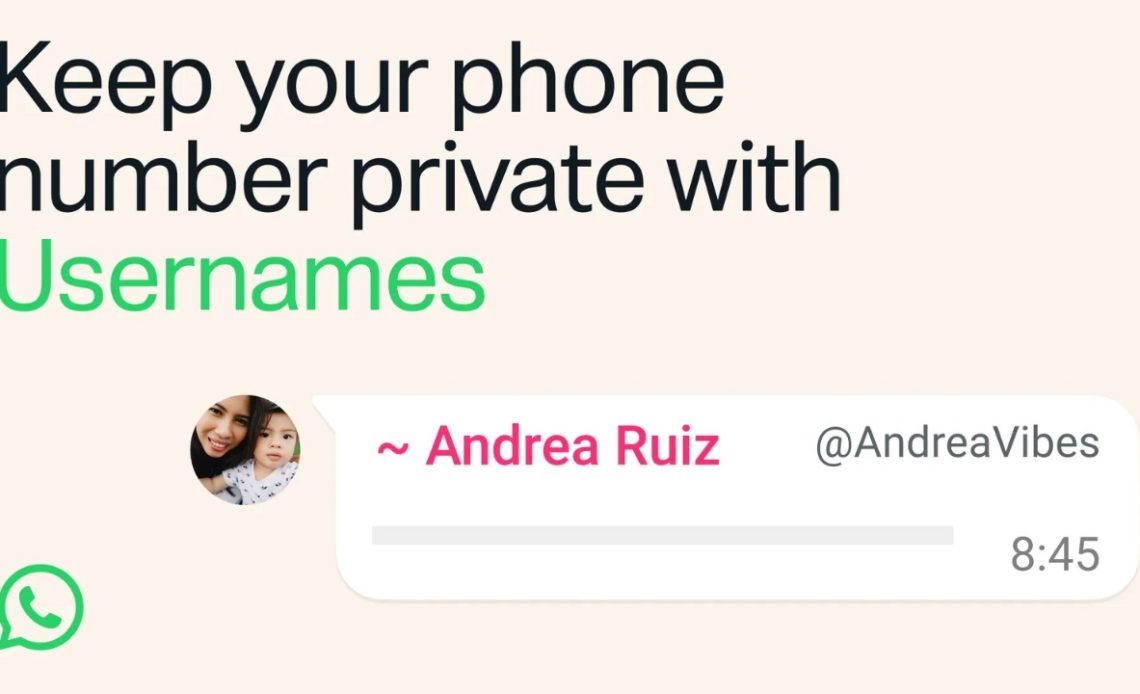
WhatsApp username reservation is now live for users across the globe. The ability to reserve allows you to lock the username of your choice once the feature goes live later this year. Usernames on WhatsApp allow you to keep your phone number private if you want to contact someone who you don’t know. Here’s how you can reserve your WhatsApp username.
WhatsApp Username Reservation: Details
Starting this week, you can reserve a username to use later this year when WhatsApp launches this feature. “With over three billion people on WhatsApp a lot of names overlap, which is why we’re opening reservations early so everyone has the opportunity to select the username that matters to them,” said WhatsApp.
For most people, choosing a WhatsApp username should be something unique that only people you want to contact you will know, says the platform. If you need help picking one, WhatsApp also has a username generator that basically suggests usernames which are closer to the one you want in case it’s not available or if you just can’t decide on one.
“We also know that some people like creators, small businesses, and organizations may want to maintain a consistent presence online. For them, we reserved an option to claim their existing Instagram or Facebook username on WhatsApp,” said WhatsApp.
There’s no directory to browse and no suggestions – people will need to know your exact username to contact you for the first time. To help control who can reach you on WhatsApp with your username, the platform has also built an optional username key that others will need to know to message you. Without that key, the texts won’t reach you.
Once we launch usernames, when you message a person or business for the first time they will no longer see your phone number, if you enabled your username.
WhatsApp will be rolling out usernames gradually over the coming months and will notify the users in WhatsApp when they’re available in their country.
Also Read: CRED CEO Kunal Shah Appointed as Head of WhatsApp
How To Reserve Your WhatsApp Username?
To reserve your WhatsApp username:

- Open WhatsApp
- Now tap on the “reserve yours” button in the in-app notification that appears at the top of your chat list (as shown in the screenshot above) which says “usernames are coming soon.”
- Type in the username of your choice. The platform shows you if it’s available or not for you to use. In case it isn’t, you can try a different one or use the “Suggest” option which automatically generates available usernames for you.
- Once done, tap on the reserve button.
This is how you can reserve your WhatsApp username. In case the WhatsApp username reservation does not appear for you, you’ll have to wait until it becomes available for your account considering this is a phased rollout of the feature.
Author: The Mobile Indian Network
Source: The Mobile Indian
Reviewed By: Editorial Team
