


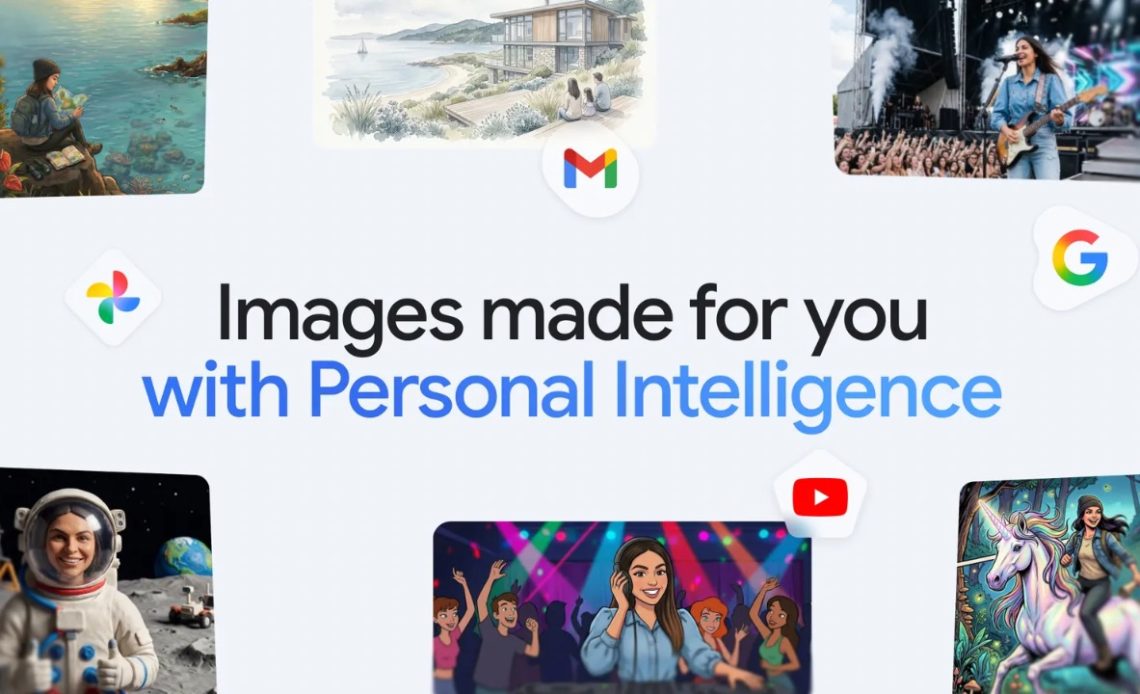
Google has announced Personalised Image Creation in Gemini where it now uses your Google Photos library and goes through your interests to create an image of yourself instead of you having to write long detailed prompts. Here’s how the feature works.
Google is using Gemini’s Personal Intelligence feature “to create more relevant, personal images using Nano Banana and your own Google Photos library – no manual uploads or long prompts required.” With the new ways for personalised image creation in Gemini, you can connect your Google Photos library to Gemini so it can reference your images for a better looking photo when you ask it to create a photo of yourself.
This eliminates the hassle of you having to “write long, detailed descriptions and manually upload a reference photo just to give Gemini the right context.” Since you can already organize and label groups of people and pets in your library, those labels provide the context that Gemini needs to make your images feel truly yours.
With those labels in place, you can simply ask Gemini to “create a claymation image of me and my family enjoying our favorite activity” and Gemini can generate that specific image for you automatically. You can further also experiment with different styles like watercolors, charcoal sketches or oil paintings.
Also Read: Google Improves Cropping Experience in Google Photos with Smoother Visuals and More
Further, instead of writing out the intricate details of your life, you can use simple prompts like “Design my dream house” or “Create a picture of my desert island essentials” and the results will automatically reflect your specific tastes and lifestyle, gleaned from the Google apps you’ve connected to.
Google is also giving you full control over the results. In case the result isn’t satisfactory, you can simply tell Gemini what was incorrect and try again. You can also click the ‘+’ icon and select a different reference photo from your Google Photos library to try a new perspective. Further you can click on the Sources button and it’ll show you which image was auto-selected to guide the creation. You can even ask Gemini directly for information on the attribution and sources used for that specific image.
Google also noted that when you are using the new ways for personalised image creation in Gemini, the company does not directly train its models on your private Google Photos library. “We train on limited info, like specific prompts in Gemini and the model’s responses, to improve functionality over time.”
This new methods for personalized image creation in Gemini App are rolling out over the next few days to eligible Google AI Plus, Pro and Ultra subscribers in the U.S., and Google plans to bring this to Gemini in Chrome desktops and more users soon.
Author: Abhishek Malhotra
Source: The Mobile Indian
Reviewed By: Editorial Team
