



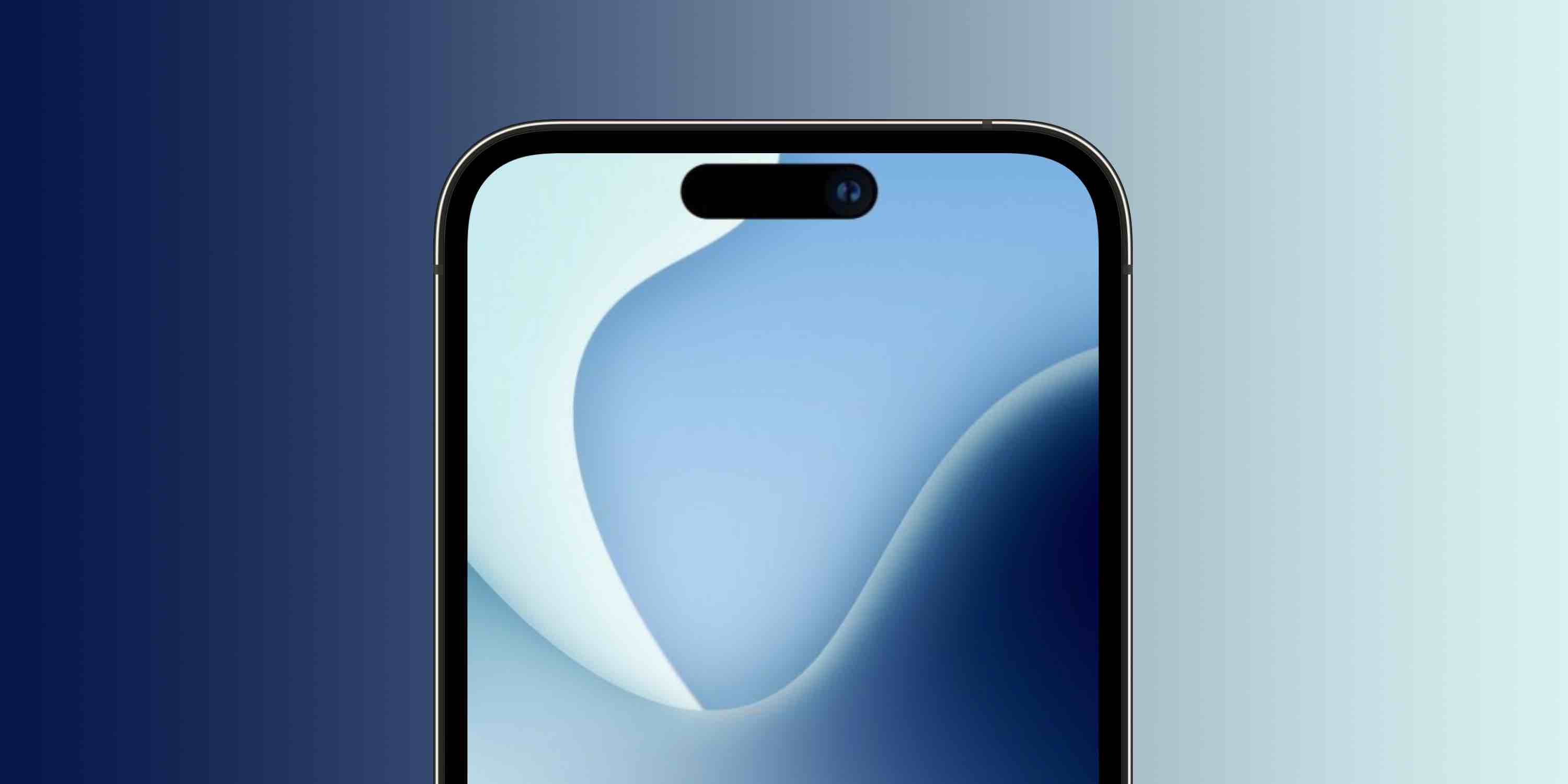
We’re days away from Apple’s “Far out” iPhone 14 event and one of the big changes is the 2022 iPhone lineup arriving with a new design for the display cutout. If you’re curious what it will look like, check out this fun trick to see iPhone 14 cutout on your iPhone now.
After using basically the same notch cutout since the iPhone X launched in 2017, Apple is expected to debut the iPhone 14 lineup with a new pill plus hole-punch cutout. Along with using software to make it look like one big pill shape, Apple is also expected to display privacy indicators in the new cutout.
- Source: iPhone 14 Pro display cutout to show camera plus microphone privacy indicators; redesigned Camera app also coming
- Gurman: iPhone 14 Pro notch replacement ‘looks like one wide pill shaped cutout’
Eager to see what that will look and feel like right now? Follow along…
See iPhone 14 cutout on any iPhone
- View this image from artist Ian Zelbo on your iPhone
- Make it full screen and flip your iPhone upside down
- Tip: Wait a few seconds for the Home indicator to disappear
- You can also take a screenshot of it after going full screen and zooming in a bit so you can quickly pull up the experience later
- Have fun ?
What do you think about the new cutout? Do you already like it or think it will take time to get used to it? Share your thoughts in the comments! Thanks for reading our guide on how to see iPhone 14 cutout on any iPhone!
- The iPhone 14 is coming next week; here’s every new feature
- How to watch the iPhone 14 event ‘Far out’ on any device
- Download ‘Far out’ event wallpapers from Basic Apple Guy for iPhone, iPad, and Mac
- 9to5Mac Happy Hour 397: iPhone 14 and Apple Watch Series 8 Apple event expectations
Author: Michael Potuck
Source: 9TO5Google
