


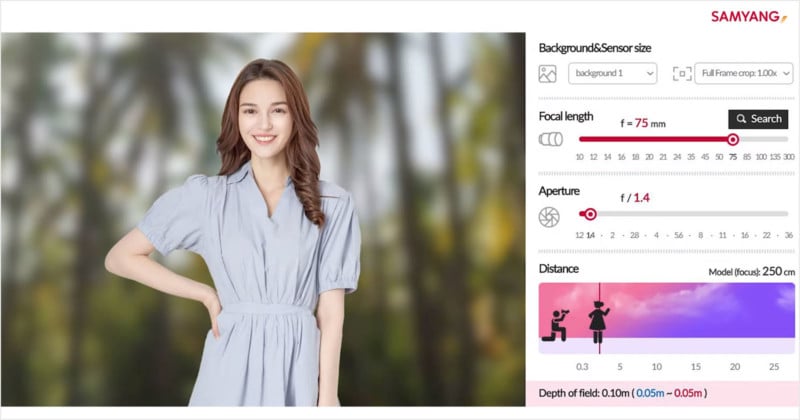
Samyang has just launched a new Lens Simulator that lets you play with sensor sizes and lens settings to see how they affect the look of resulting photos.
The interactive web app features a dynamic photo on the left and controls on the right for adjusting the image. You can choose the background image, sensor crop factor, focal length (from 10mm to 300mm), aperture (from f/1.2 to f/36), and subject distance.
As you make changes to the settings, the dynamic photo changes to reflect the new look, and app tells you your depth of field as well. Here’s a 3-minute video that introduces the simulator and shows how it works:
While the app is intelligent in some ways (e.g. it will automatically zoom in on the subject’s face as you increase the focal length) it’s less intelligent in others — you can make the subject look like she’s the size of Tinker Bell by placing her farther away, for example.

If you find a combination of settings you want to use in the real world, there’s also a handy Search button that returns all the current Samyang lenses that are capable of making the same photo.
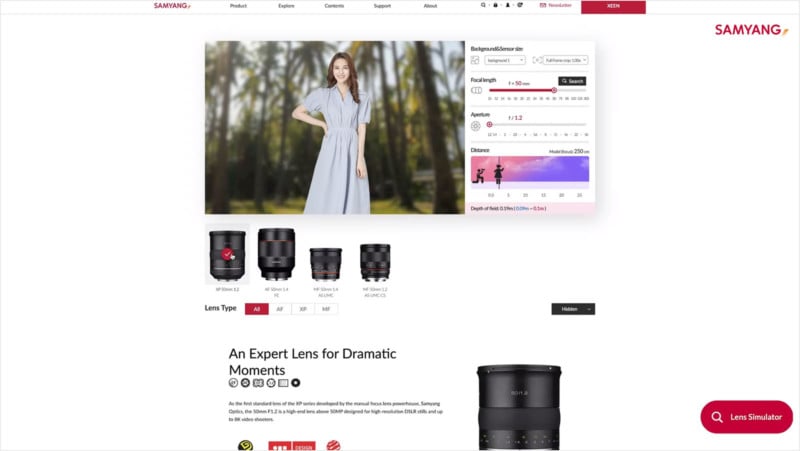
If you’re just getting started in photography, this could be a simple way to better wrap your mind around how lenses work and what settings do. Head on over to the Samyang Lens Simulator if you’d like to try it out for yourself.
Author: Michael Zhang
Source: Petapixel
