


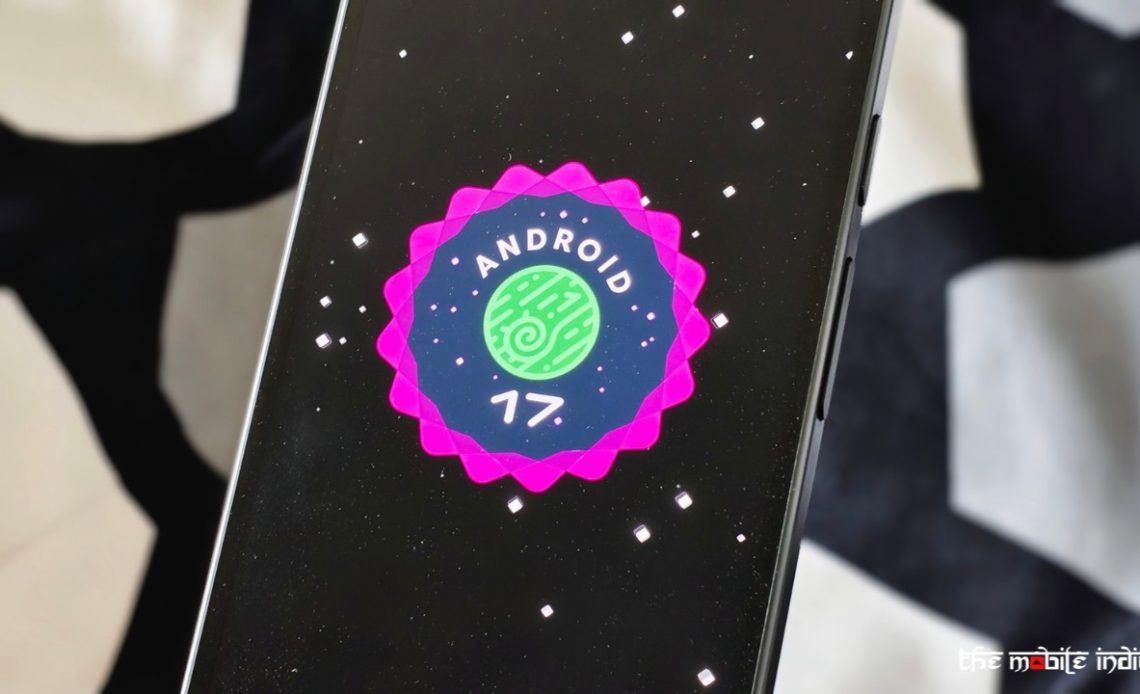
Every year, Google unveils a new Android version with promises of smarter features, better security, and a more refined user experience. Android 17 is no different. On paper, it sounds like a meaningful upgrade. The update introduces several quality-of-life improvements, tighter privacy controls, and a handful of AI-powered additions that Google believes will make everyday smartphone use easier.
But after spending just 24 hours with Android 17 (at the time of writing this article), I can’t shake the feeling that Google played things a little too safe this year. Moreover, it still wasn’t able to deliver a stable update per my experience, despite there not being any major additions or visual changes.
Apple also recently launched the iOS 27 developer beta and it looks like a much better update for the iPhones despite being a beta, compared to what Android 17 is for Pixel phones.
Android 17 Feels More Like Android 16.5
The first thing most users notice after installing a major Android update is usually some visible change. Maybe it’s a redesigned interface, a new multitasking approach, or a feature that immediately alters how the phone feels to use.
With Android 17, those moments are surprisingly rare. The overall experience remains almost identical to what Android users have been living with over the past year. The notification panel behaves the same way but you can now have a separate tile for mobile data, something that should have been there from the start.
Navigation remains largely unchanged. The home screen experience feels familiar but you can now remove the App labels from the home screen, again a feature that’s been there in other Android skins.
There’s nothing wrong with refinement. In fact, smartphone operating systems have matured to the point where drastic redesigns aren’t always necessary. Even Apple didn’t change much in terms of user interface this year but that’s because they already introduced a major overhaul to iOS just last year, which did not happen with Android 16. Still, Android 17 often feels like an incremental update disguised as a major release.
AI Is Everywhere, Yet Somehow Doesn’t Feel Essential
Google continues to push artificial intelligence as the centerpiece of its software strategy. Android 17 expands AI features on Pixels, such as how you can now create music with Gemini, or use Gemini Omni which is a video creation and editing tool.
The problem isn’t that these features exist. The problem is that many of them still feel like optional extras rather than tools users genuinely rely on throughout the day. Yes, I did try to create music and videos with Gemini’s new abilities but it’s a feature I won’t use on a regular basis as it’s clearly not helpful for my workflow.
After using Android 17 for routine tasks like messaging, browsing, navigation, and media consumption, I found myself interacting with the new AI features far less than Google probably intended. They worked when needed, but very few felt transformative.
That’s becoming a recurring theme with modern Android updates. New AI capabilities look impressive during presentations, but their real-world impact often feels much smaller once the excitement wears off.
Besides AI, features like screen reactions which allow users to create selfie-based reaction videos directly within screen recordings, are something which I won’t use on a daily basis. The screen reaction feature, in particular, is for a niche set of creators who make reaction-related content.
Performance Improvements Are Hard to Notice, But Bugs Aren’t
Google highlights various under-the-hood optimizations with Android 17. Apps should launch faster. Background processes should be handled more efficiently. Battery life management has also received attention.
While it’s too early to comment on battery backup, the rest of the improvements haven’t shown up for me personally on the Pixel 10a.
When a premium device like the Pixel 10a was already opening apps instantly before the update, it’s difficult to appreciate marginal improvements afterward. Most users won’t suddenly feel like they’re using a completely different phone.
While improvements may show up over time, some bugs have already cropped up during my use after updating to Android 17. I can clearly notice how some apps abruptly close without any animation when I perform the close gesture.
Then, the customise lock screen button that appears once you tap and hold on the lock screen doesn’t work at all. While I haven’t faced this issue on the Pixel 10a yet, some users on Reddit report a Wi-Fi bug where some apps (including Google’s own) won’t recognise that you are connected to the internet. This essentially renders those apps useless. This is not a minor UI bug but one that affects a major usability aspect of the device and that’s connectivity.
While bugs are normal in software updates, I wouldn’t expect such major issues to appear in an update that itself isn’t a major one in nature. In fact, Google has already fixed a ton of bugs with the June 2026 update for Pixel phones which is great but in that process, it has unfortunately invented new ones.
Customisation Still Feels Incomplete
Android has long been known as the platform that gives users freedom. Compared to competing mobile operating systems, customization remains one of its biggest strengths.
Yet Android 17 still leaves some opportunities on the table. Material You continues to evolve, but it sometimes feels like Google is only partially committed to giving users deeper control. There are still areas where personalization options feel limited, especially when compared to what some Android manufacturers offer through their own custom interfaces.
For instance, you still get the same lock screen clock styles you got with Android 14 and Google hasn’t made any new additions since.
Many users don’t necessarily want more AI. They want more control over how their devices look, behave, and interact with them. Android 17 doesn’t do enough to push that philosophy forward.
Smaller Features End Up Being the Best Part
Some new features such as the one-time precise location access button, limited contacts access with the new Contacts picker, addition of biometric authentication to Mark as Lost feature, expanded dark theme control for apps that don’t support it, and independent assistant volume controls, remain the only quality of life improvements.
The issue is that they don’t make Android 17 feel like a major milestone release. They make it feel like a very good maintenance update.
There’s a difference.
Expectations Might Be the Real Problem
Part of the disappointment may stem from expectations. Google has spent the past few years positioning Android as an increasingly intelligent platform. That Messaging naturally raises hopes for bigger leaps with every new version. Users start expecting features that fundamentally change how they interact with their phones.
Android 17 doesn’t quite deliver that moment. Instead, it focuses on polishing an already mature operating system. That’s arguably the sensible approach from a software development perspective, but it doesn’t make the update feel exciting.
I am not the only one with this take, but a bunch of users on Reddit also feel the same.
Major Updates Are Still Coming Soon, They Aren’t Here Yet
A good amount of features that are a part of Android 17 will either ship later this year or are features that not every user can take advantage of.
For instance, the new game mode for foldables is actually a useful addition for those with a Pixel Fold. But, for obvious reasons, it is only available for a foldable phone, not for every user.
Gemini Intelligence, a major feature for the agentic AI era, is coming later this year, and that too for a very limited number of devices. It’s not here yet.
A notable UI change that introduces more blur across the system, is coming later this year.
Gemini in Chrome on Android that’ll enable features like auto browse is set to debut later this month.
There’s an upcoming Create my widget feature that will debut on Pixel and Samsung phones first so you can essentially vibe-code a widget. Again, it’s not here yet.
These are only some of the features which are a part of the upcoming Android 17 update. Even when they come, you can expect some of them to be limited to a certain set of phones which have the hardware to support those features, so not every phone that’ll receive the Android 17 update will get these additions.
Final Thoughts
After 24 hours with Android 17, my overall impression is surprisingly mixed.
Sure, it’s polished to some extent and introduces minor improvements that make Android better in small ways. Yet it’s also difficult to ignore the feeling that Google missed an opportunity to be more ambitious.
Android 17 feels like an update designed to maintain momentum rather than redefine it. Existing Android users will likely appreciate the refinements, and few people will regret installing it, especially due to the bugs it comes with.
If you were hoping for a release that fundamentally changes the Android experience, this probably isn’t it. And that’s why, just one day in, I already wish Google had pushed a little harder.
Author: Abhishek Malhotra
Source: The Mobile Indian
Reviewed By: Editorial Team
