



Today is Earth Day, and the thing that’s on my mind is how much water the AI-powered features in my photo editing software use.
In fact, this has been on my mind for some time as, earlier in the year, the UN announced that we have entered an “era of water bankruptcy,” which got me thinking about how, especially as a landscape photographer, my photographic passions affect our home planet.
I know that using some of these features consumes water, but I don’t know which ones nor how much they consume. But this is only one half of the issue because, if I wanted to find out this information, it would be far from easy, and this is a major issue, in my view.

See, pretty much none of the companies behind the major editing software tools including, but among others, Lightroom/Photoshop (Adobe), Luminar Neo (Skylum), or Capture One (Capture One A/S) publish any kind of pages dedicated to explaining how thirsty these features are.
Sure, they’ve got information touching on this buried in sustainability policies, or you could try deciphering the stats in scientific studies that try to quantify AI water usage, but, practically, who’s going to do that? Even if you wanted to, it would be so time-consuming.
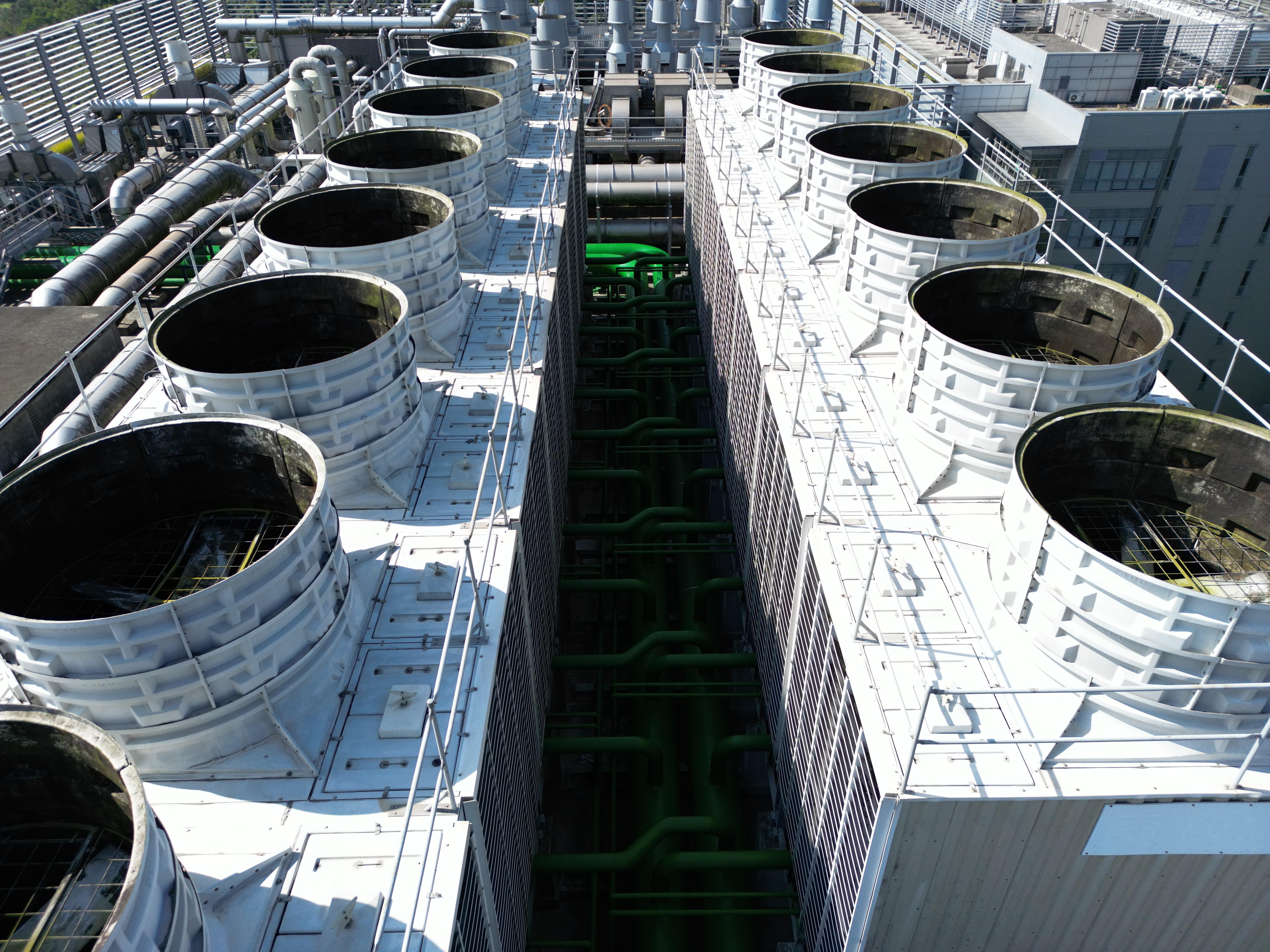
Admittedly, it’s not easy for these companies to precisely explain how much water a click of a button uses. Cloud-based AI features often run on infrastructure owned and managed by major cloud computing service providers such as Google, Amazon, and Microsoft, and it’s these companies’ servers that consume water to cool mechanisms that stop their data centers from overheating.
In 2025, Google said that a single query to Gemini uses roughly 0.8 oz (25 ml) of water. Of course, this doesn’t directly correlate to using an AI feature in editing software, but it at least gives us an idea of the impact using AI in our workflow has, especially when you multiply it by the number of people around the world using such software.
However, more certainly needs to be done to at least give photographers like you and me a better insight into the environmental impact of our editing choices. Admittedly, I’m a huge fan of tools like Lightroom’s generative remove, which allows me to get really creative without having to run photos through Photoshop or use a bunch of different masks to achieve the same effect.
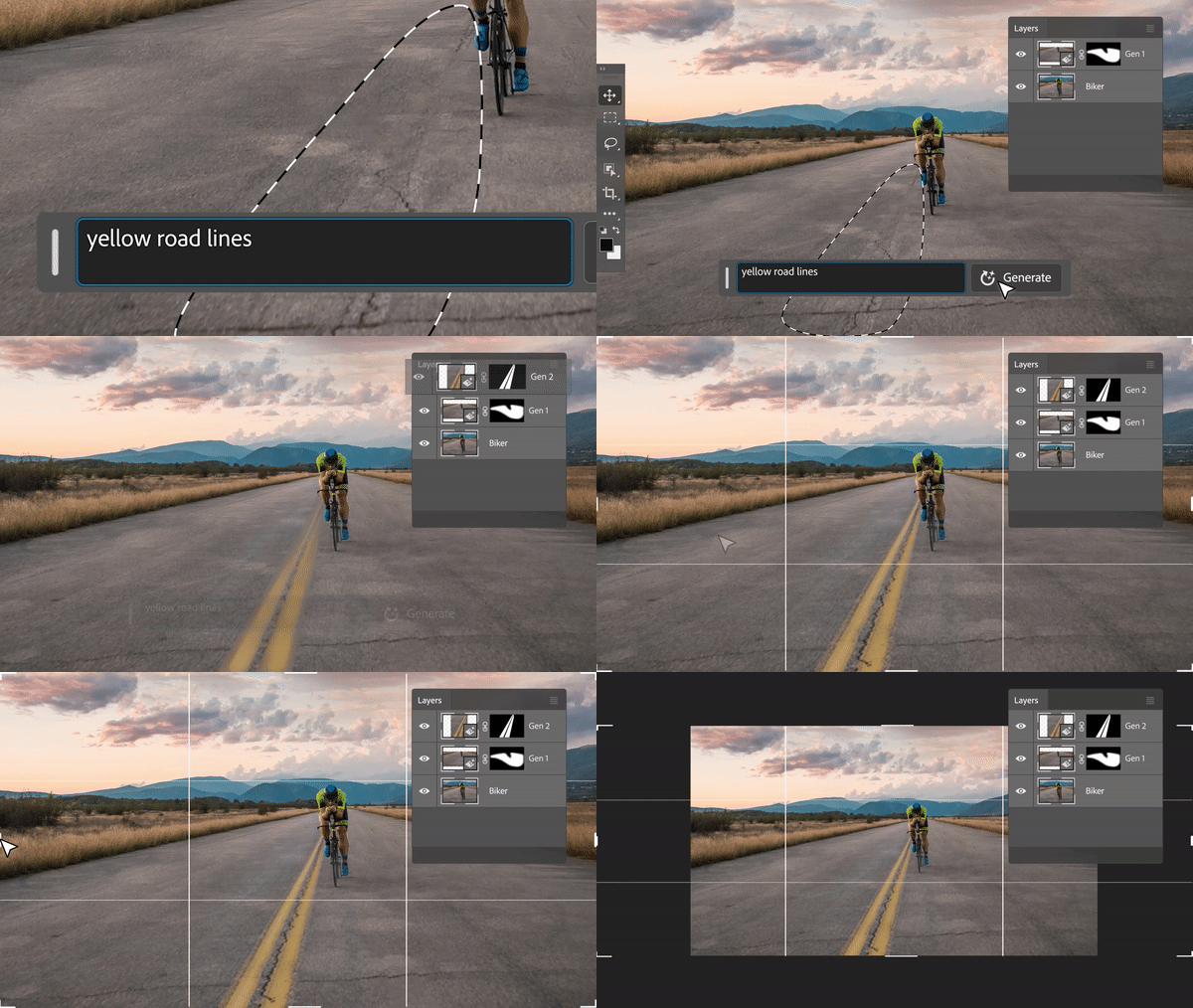
But I know that with a click of that button, water has been slurped up by a data center somewhere, perhaps unnecessarily. And when I consider the reports that have been coming out of the US in particular over the past couple of years about how local residents are now complaining about data-center-related water issues, I’d like to be better informed in order to decide, if, in fact, I want to use the AI feature at all, or dial back my editing.
There is an upside to all this, though, as what I’d consider to be the most helpful AI-powered editing features are mostly run by your computer and not cloud infrastructure in a data center. Tools like spot removal, masking, sharpening, and noise reduction – essentially, anything that doesn’t require generative work – are typically run by your machine’s CPU and GPU, which is great as I use these all the time.
Of course, using any digital device requires electricity, which produces its own set of environmental challenges, but at least using these AI-powered features doesn’t also come at the cost of water needed for server cooling.
Either way, this speaks to my overarching point of a lack of communication from the companies behind photo editing software. I had to dig through tons of information and, admittedly, used an AI platform to help me compile all of this information.
Surely the likes of Adobe, Capture One, and Canva (the creators of Affinity) should have this information clearly displayed, or even build infographics into their software.
I don’t know… I just know that when you consider that, by 2027, AI is projected to consume half of the UK’s total water usage, and this will surely only grow, then even photographers need to be mindful of how they use the technology, regardless of how minuscule the impact of clicking a button may feel.
But again, in order to make these decisions, we need to be informed by the companies whose products we use in our creative workflows.
So, to all of the companies behind editing software, as a photographer who wants to use your tools, but who also wants to know how thirsty your tools are, please be more transparent on this, and please keep striving to develop AI features that run locally rather than on the cloud.
Author: Alan Palazon
Source: DigitalCameraWorld
Reviewed By: Editorial Team
