


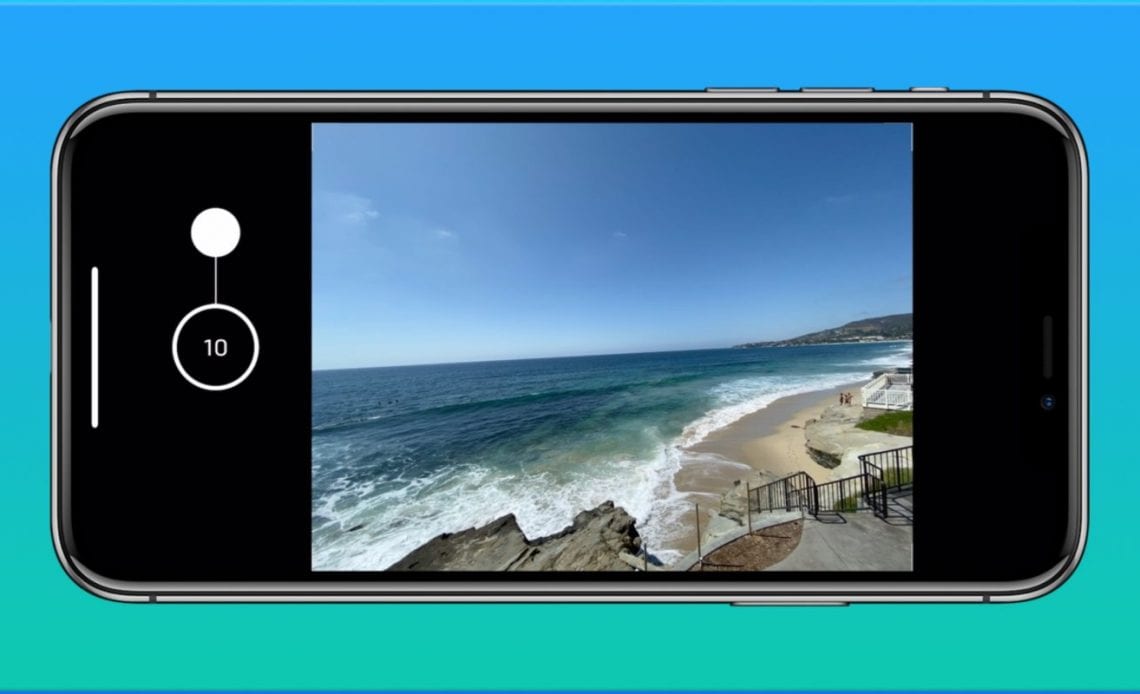
The iPhone 11 and iPhone 11 Pro bring some fantastic camera upgrades, including a new ultra-wide angle lens, Night mode, and more. However, there are changes to how some previous features work. Follow along for how to use burst mode with the iPhone 11 and iPhone 11 Pro cameras.
You’ve probably developed muscle memory for the burst mode camera feature on your iPhone. If you’ve just gotten an iPhone 11 or iPhone 11 Pro, you probably quickly realized the same press and hold gesture doesn’t activate burst mode anymore.
Pressing and holding the shutter button on the iPhone 11 lineup now activates QuickTake, a way to shoot videos quickly without switching from photo mode. So here’s the new gesture to use burst mode…
For more details on how to use the Camera app with your iPhone 11 or iPhone 11 Pro, check out our tutorial here.
Here’s how the process looks:
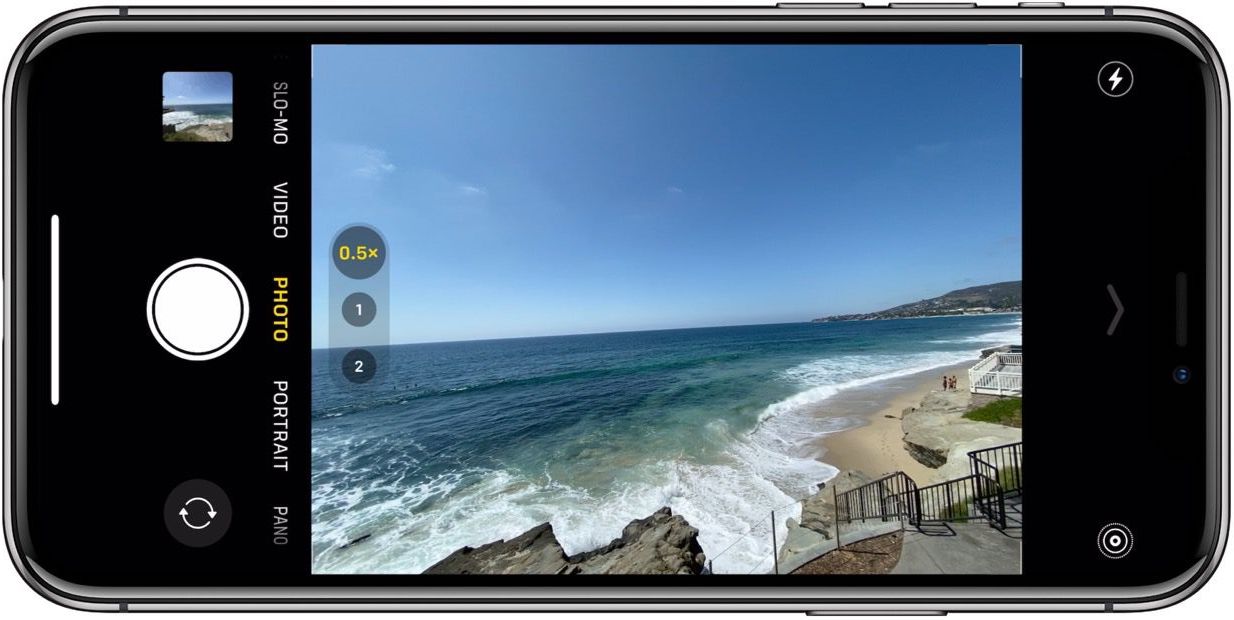
When you’re ready to shoot with burst mode, do a fluid motion of pressing, and sliding the shutter button up when in landscape mode or left when shooting in portrait orientation.
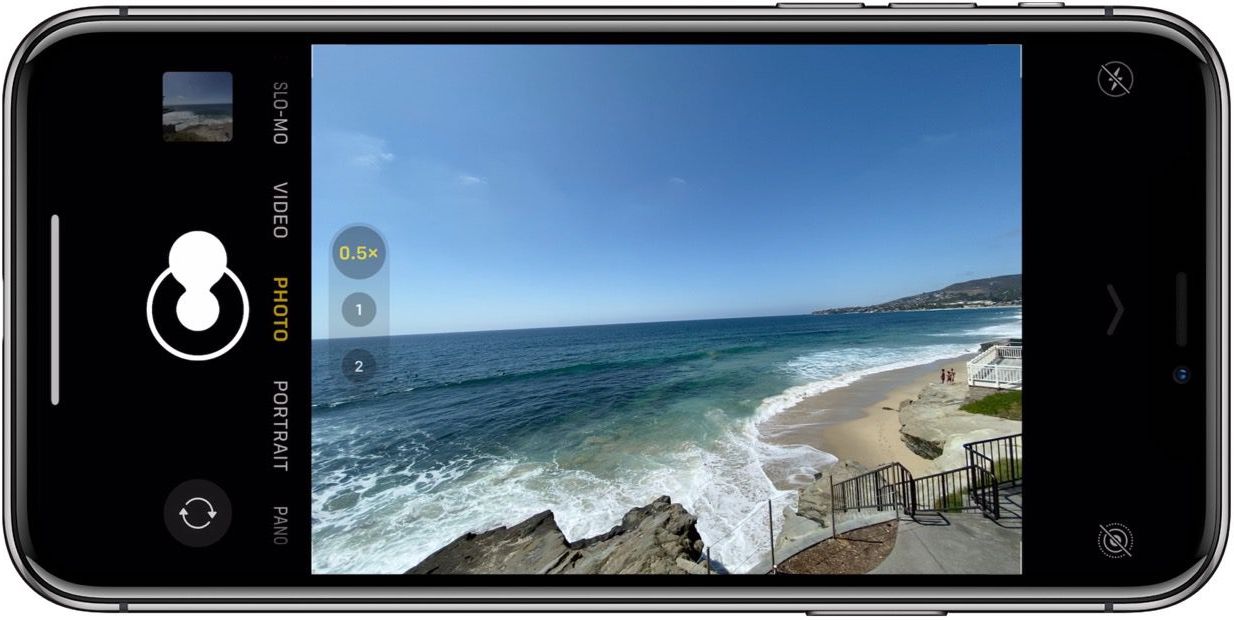
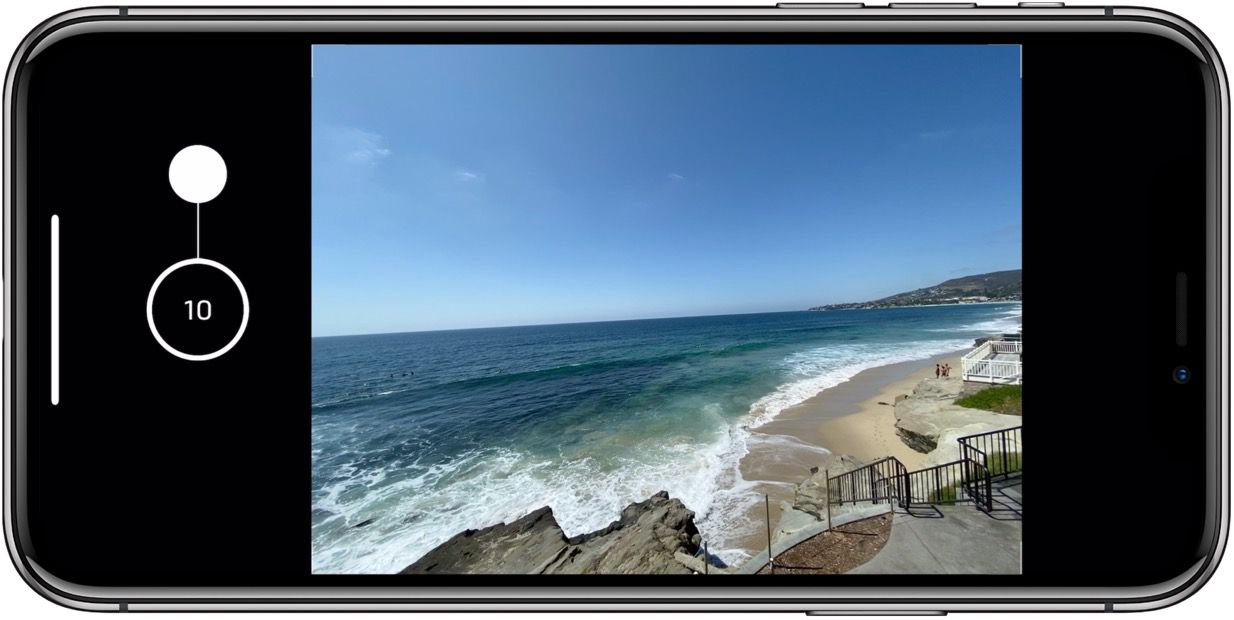
You’ll see the burst mode counter appear in the middle of where the shutter button normally sits.
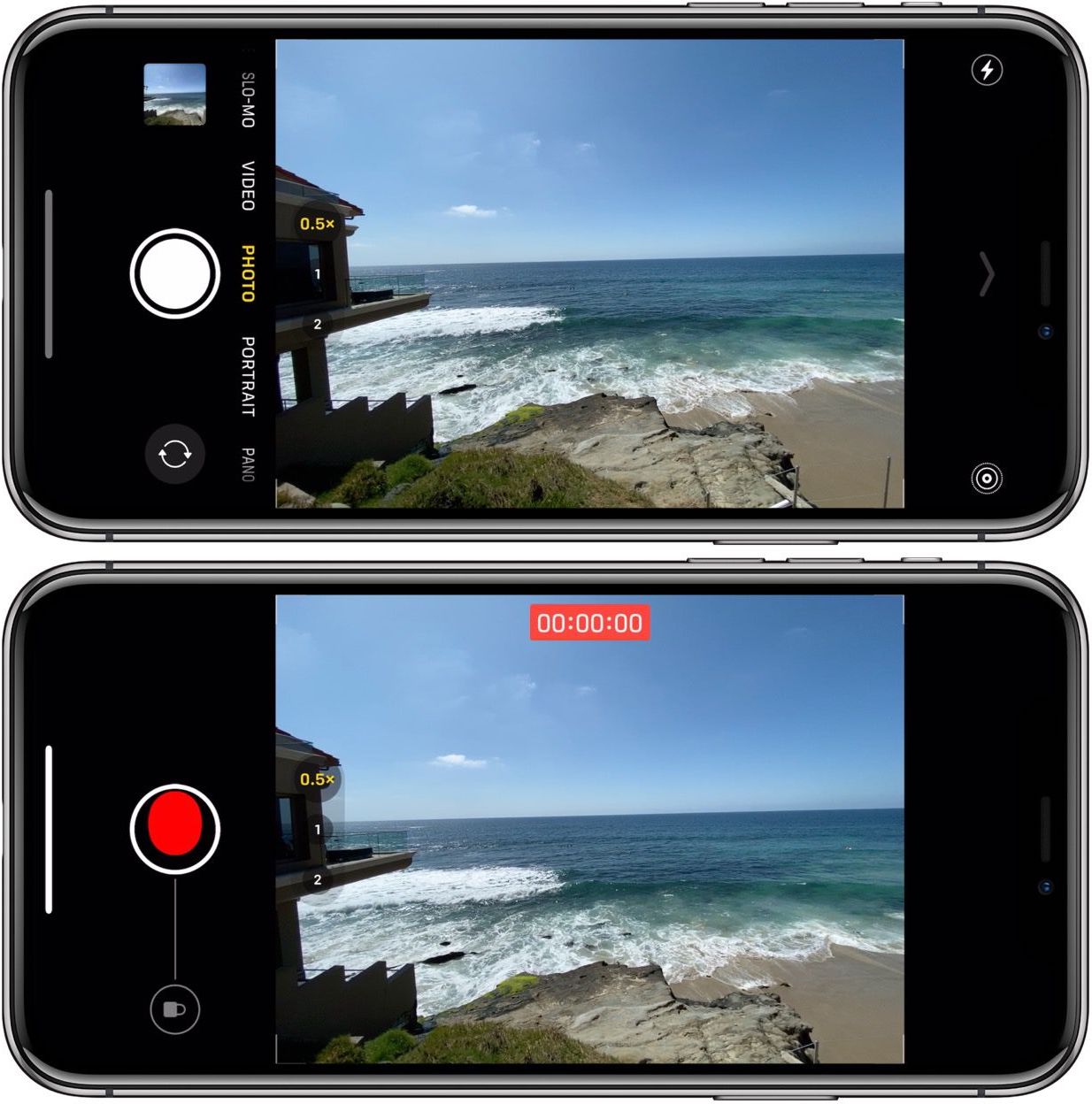
If you don’t swipe up quick enough after pressing the shutter button, here’s what you’ll see when QuickTake is activated.
For more help with getting the most out of your Apple devices, check out our how-to guide as well as the following articles:
Check out 9to5Mac on YouTube for more Apple news:
Author:
Source: 9TO5Mac
