



The iPhone 11 and 12 bring some fantastic camera upgrades, including an ultra-wide lens, impressive Night mode, and more. However, there are changes to how some previous features work. Follow along for how to use burst mode with the iPhone 11 and 12 cameras.
You’ve probably developed muscle memory for the burst mode camera feature on your iPhone. If you’ve just gotten an iPhone 11 or 12, (or just haven’t taken a burst photo in a while) you probably realized the press and hold gesture doesn’t activate burst mode anymore.
Pressing and holding the shutter button on the iPhone 11 and 12 lineup now activates QuickTake, a way to shoot videos quickly without switching from photo mode. So here’s the new gesture to use burst mode…
How to use burst mode with iPhone 11 and 12 cameras
- Press and immediately drag the shutter button to the left for portrait orientation photos
- Press and immediately drag the shutter button up for landscape photos
- Let go when you’re done shooting
- That’s it! ?
Here’s how the process looks:
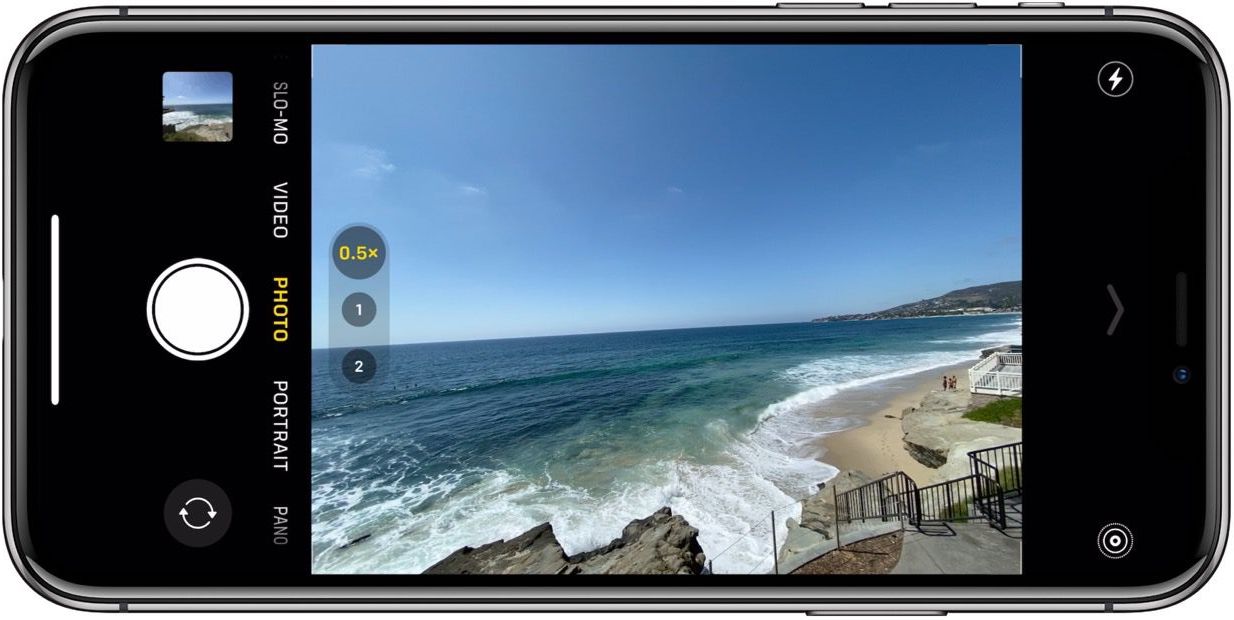
When you’re ready to shoot with burst mode, do a fluid motion of pressing, and sliding the shutter button up when in landscape mode or left when shooting in portrait orientation.
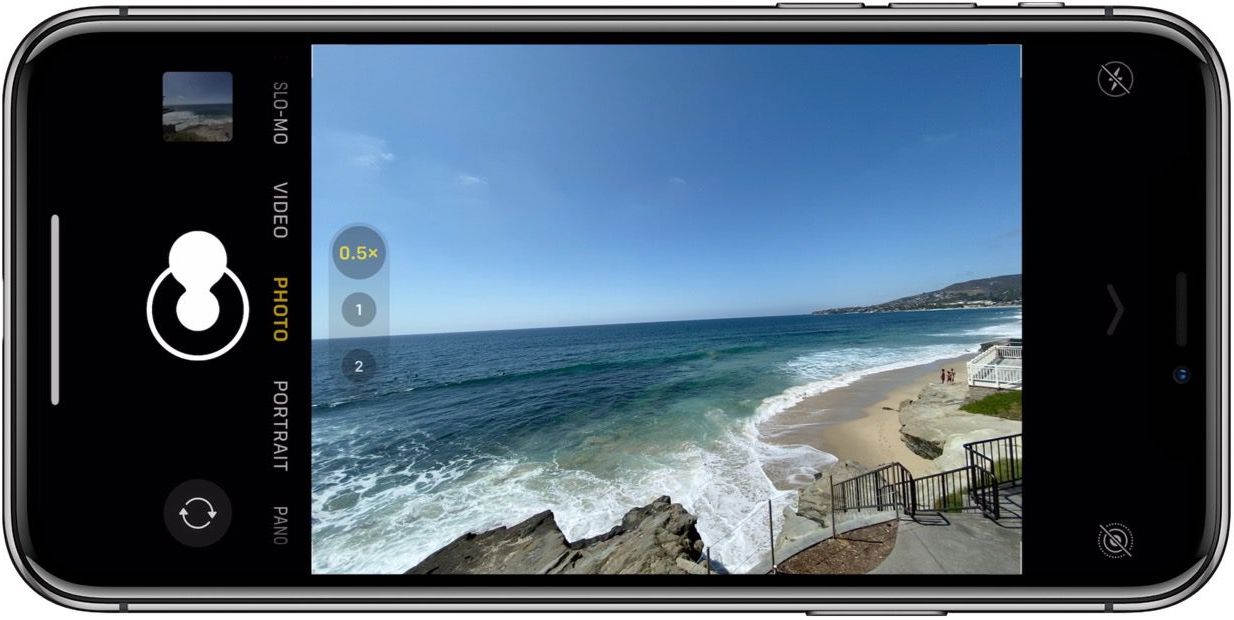
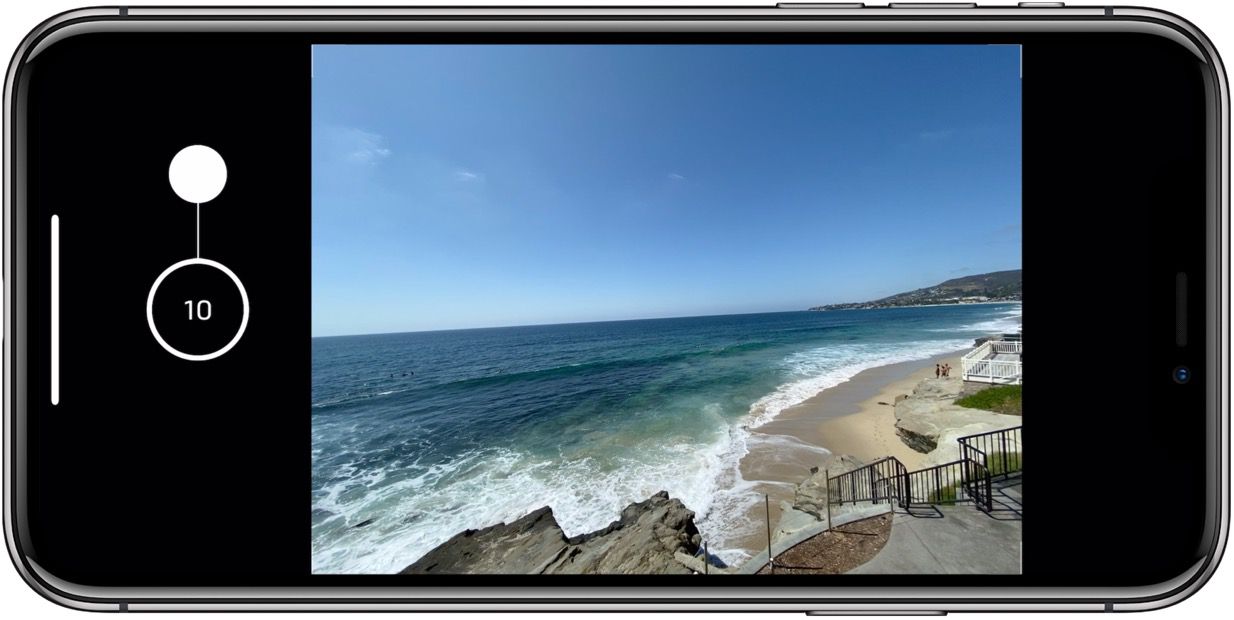
You’ll see the burst mode counter appear in the middle of where the shutter button normally sits.
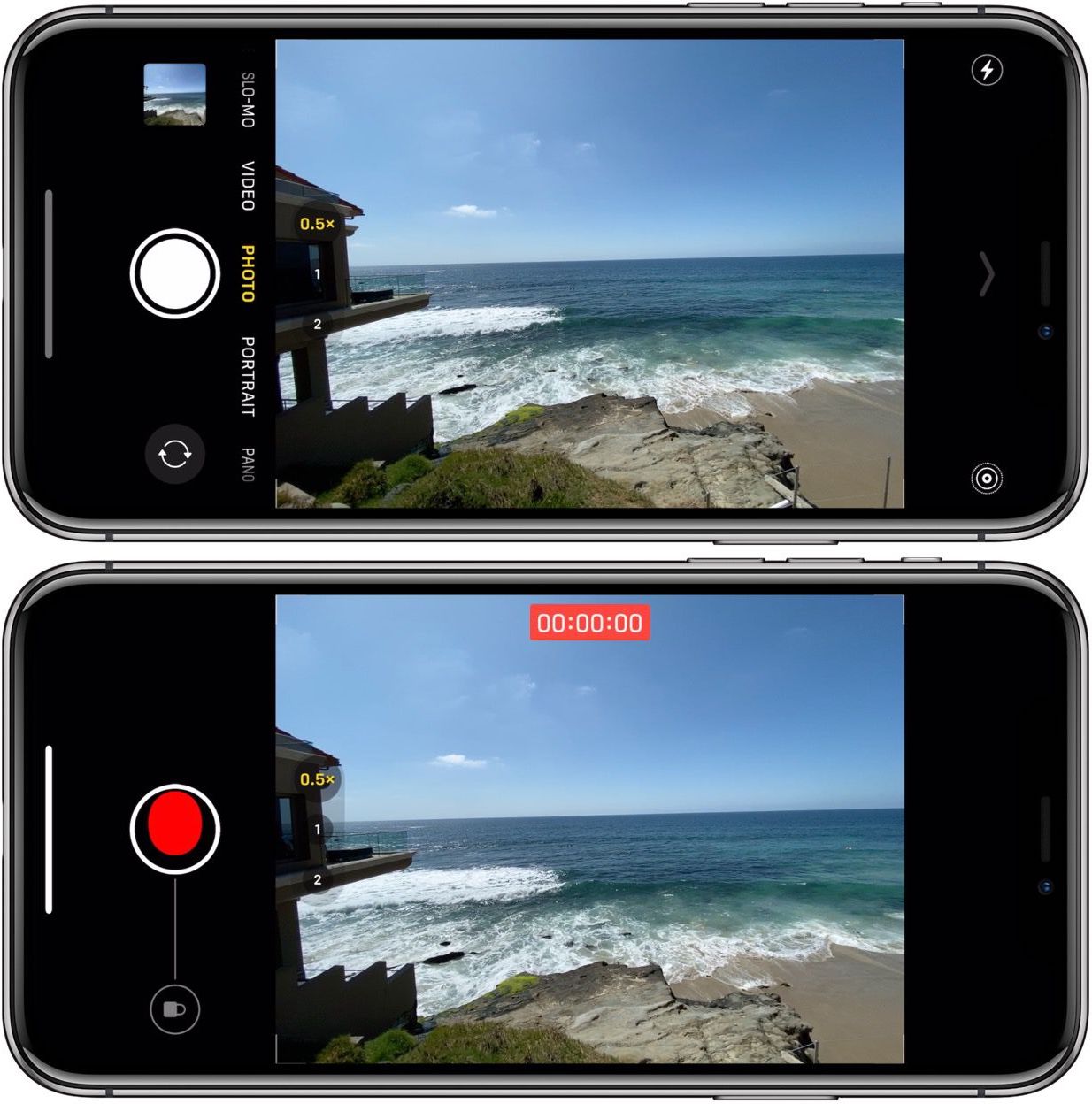
If you don’t swipe up quick enough after pressing the shutter button, here’s what you’ll see when QuickTake is activated.
- iPhone: How to improve Face ID with a mask, including new Apple Watch Unlock feature
- How to use Apple’s ‘Find My AirPods’ feature to locate your lost headphones
- Best iPhone and iPad multi-device chargers for families
- What to do with old and dying AirPods: Recycling, replacing, and selling
- These are the best iPhone apps for converting images and screenshots to text
Check out 9to5Mac on YouTube for more Apple news:
Author: Michael Potuck
Source: 9TO5Google
