


Adobe recently gave Photoshop the ability to instantly colorize photos using Adobe Sensei AI technology. Here’s a new 1.5-minute video tutorial by Adobe showing how you can now breathe color into a black-and-white photo with just a few clicks.
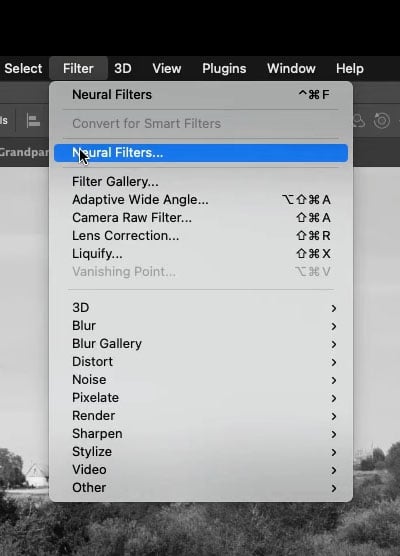
After loading up your photo, go to Filter->Neural Fliters to open up the new Neural Filters panel.
In the beta filters section (the Erlenmeyer flask icon), you’ll see a Colorize option. Click the toggle to turn it on.
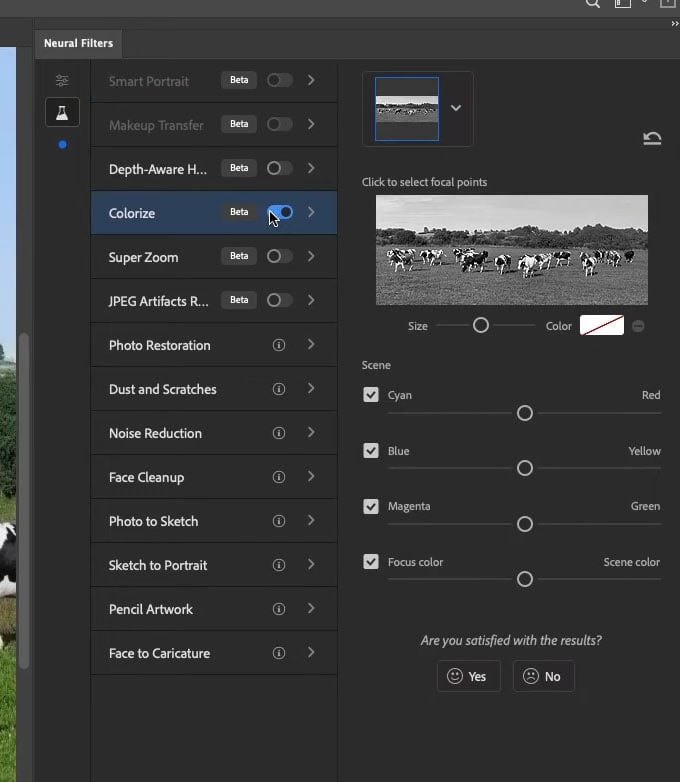
Voila! Photoshop will use its image recognition technology to colorize the elements of your photos in the way it thinks best.
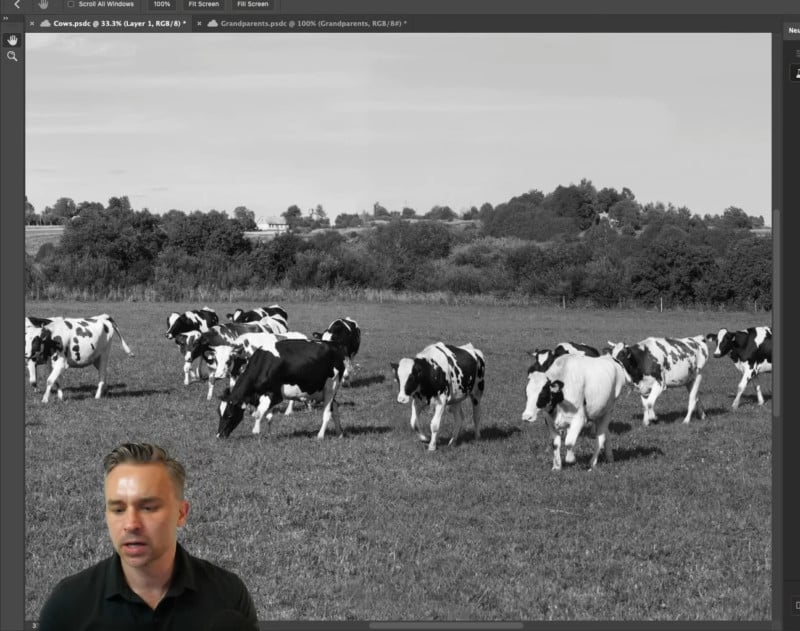
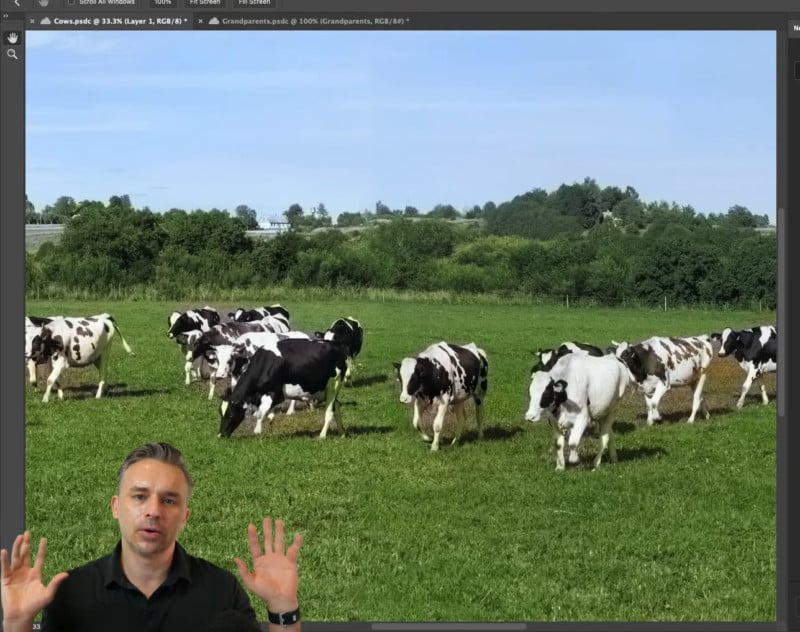
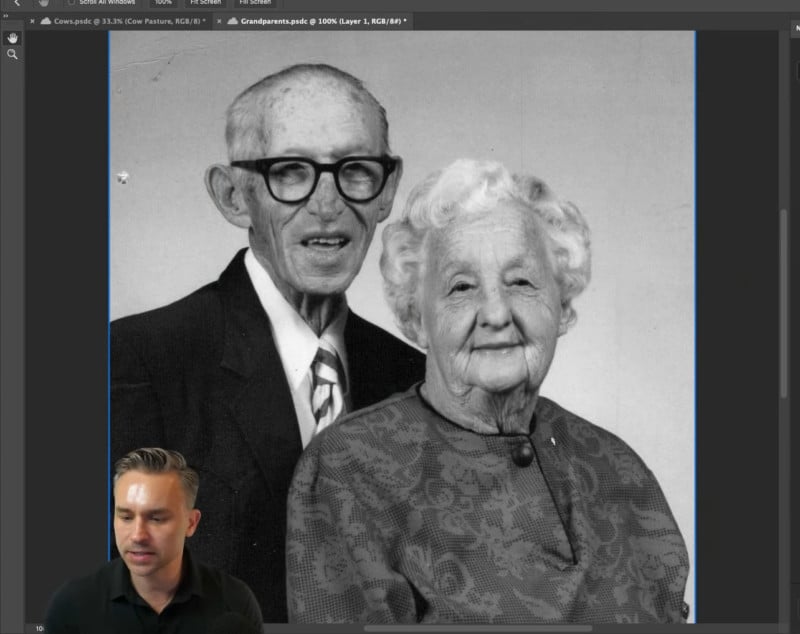
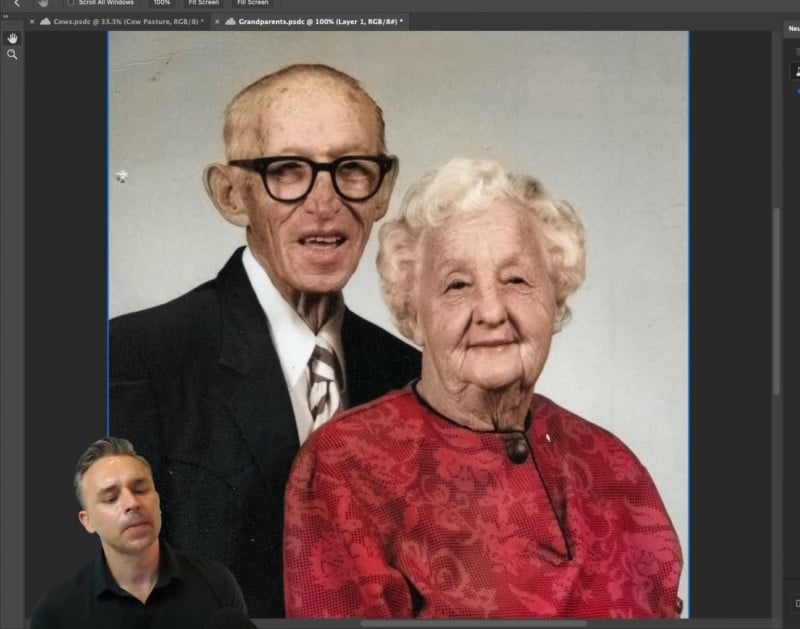
If certain areas of the photo are slightly off, you can make custom adjustments in the Colorize panel as well. The result is added on top of your photo layer as a Smarter Filter on a Smart Object.
To get started with the Colorize Neural Filter, make sure you’ve updated to the latest version of Photoshop CC. You’ll also need around 130MB of disk space to install the Colorize filter itself.
Author: Michael Zhang
Source: Petapixel
