


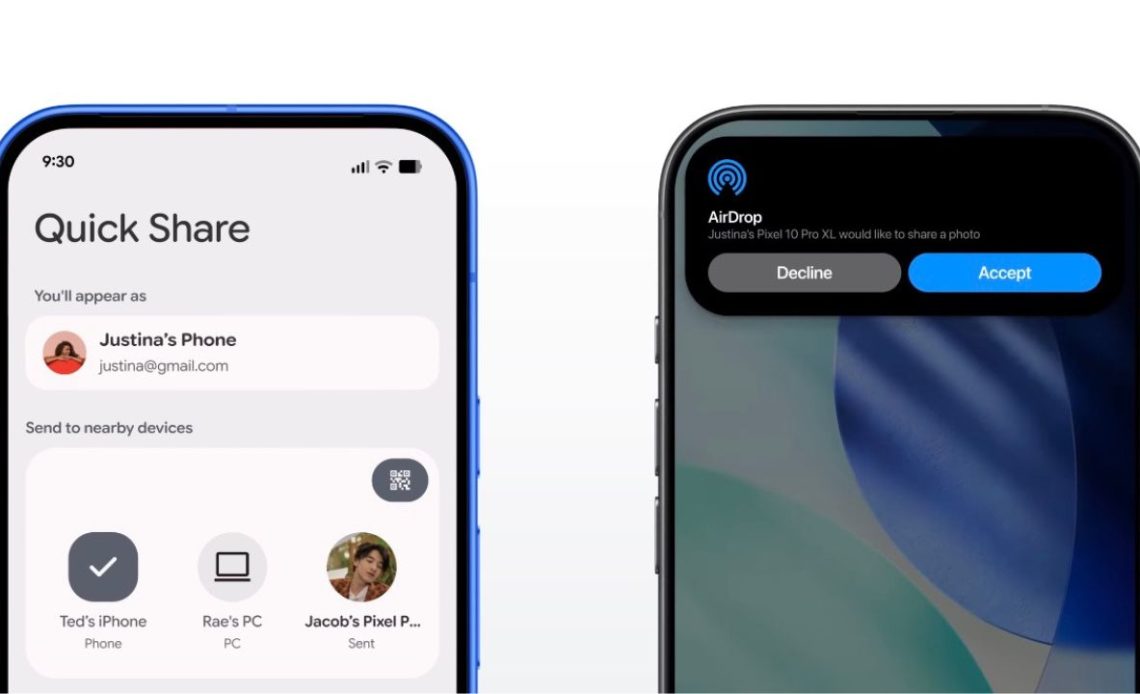
Google recently announced in its June 2026 Android Drop that it is expanding the list of Android phones with AirDrop support. AirDrop is Apple’s file-sharing feature for Apple devices but back in November last year, Google found a legit way to allow Android devices to also support AirDrop. In February, Google teased that more Android phones will soon get support for AirDrop which now seems to be happening.
Ever since the announcement in November 2025, the number of Android phones with AirDrop support has slowly been expanding, with brands like Samsung and OPPO (apart from Google, of course) enabling their flagships to support the feature. To help you keep a track of which Android devices have AirDrop sharing support with iOS, iPadOS, and macOS, here’s a full list of those phones officially shared by Google:
Samsung (running on One UI 8.5)
- Galaxy S26, S26+, S26 Ultra
- Galaxy S25, S25+, S25 Ultra, S25 Edge
- Galaxy S24, S24+, S24 Ultra
- Galaxy Z Flip7
- Galaxy Z Fold7
- Galaxy Z Flip6
- Galaxy Z Fold6
- Galaxy Z Fold6 (Special Edition)
- Galaxy Z TriFold
- Pixel 10, 10 Pro, 10 Pro XL, 10 Pro Fold, 10a
- Pixel 9, 9 Pro, 9 Pro XL, 9 Pro Fold, 9a
- Pixel 8a
Xiaomi
- Xiaomi 17T Pro
OnePlus
- OnePlus 15
OPPO
- OPPO Find X9, X9 Pro, X9 Ultra, X9s
- OPPO Find N6
Vivo
- Vivo X300, X300 Pro, X300 Ultra
HONOR
- HONOR Magic V6
Aside from these, Google also mentioned a few phones that will soon be added to this list and will gain AirDrop sharing support, including the Motorola Razr Fold 2026, OPPO Find X8 series, and the Honor Magic8 Pro.
How To Send Files to iOS from Android Phones with AirDrop Support?
If you have an eligible Android device, such as from OPPO or Google, you simply have to set the iPhone AirDrop settings to “Everyone” mode and then also set the same mode in Quick Share settings on the Android device. Now, Apple’s device will appear in the devices section in Quick Share to which you can share the file to. Now, you can tap on it and then accept the request on the iPhone, iPad, or a MacBook to receive the file.
On Samsung devices though, you need to enable the “Share with Apple devices” option first by going to “Connected Devices” and then “Quick Share.” The rest of the process remains the same as OPPO and Google phones where AirDrop sharing is always enabled by default.
Author: Abhishek Malhotra
Source: The Mobile Indian
Reviewed By: Editorial Team
