



In addition to rolling out a redesigned device grid, the Google Home app is getting new centralized Privacy settings to “help you learn about and manage your household activity data.”
Tapping the Settings gear icon (after Routines) at the top of the app takes you to the usual list of Home settings. The last item in the “General” section is now “Privacy,” and this opens a new page with a prominent blue status bar.
Review and adjust your data usage settings, privacy controls and more
“Presence Sensing” just links to the existing menu, while “Remove saved Wi-Fi and home address” lets you delete with a tap, though there are confirmation prompts and explanations about what each action will do.
“Home activity” and “Your data in the Assistant” link to the relevant Google My Activity page, while everything else in “Learn more” links to support articles.
- Control your privacy on your shared devices with Guest Mode
- Delete your Google Assistant activity
- Google Nest Sensors Guide
- Google Privacy & Security Principles
- Google Nest Privacy & Security commitments in the Home
- Nest Privacy FAQ
- Google Privacy Policy

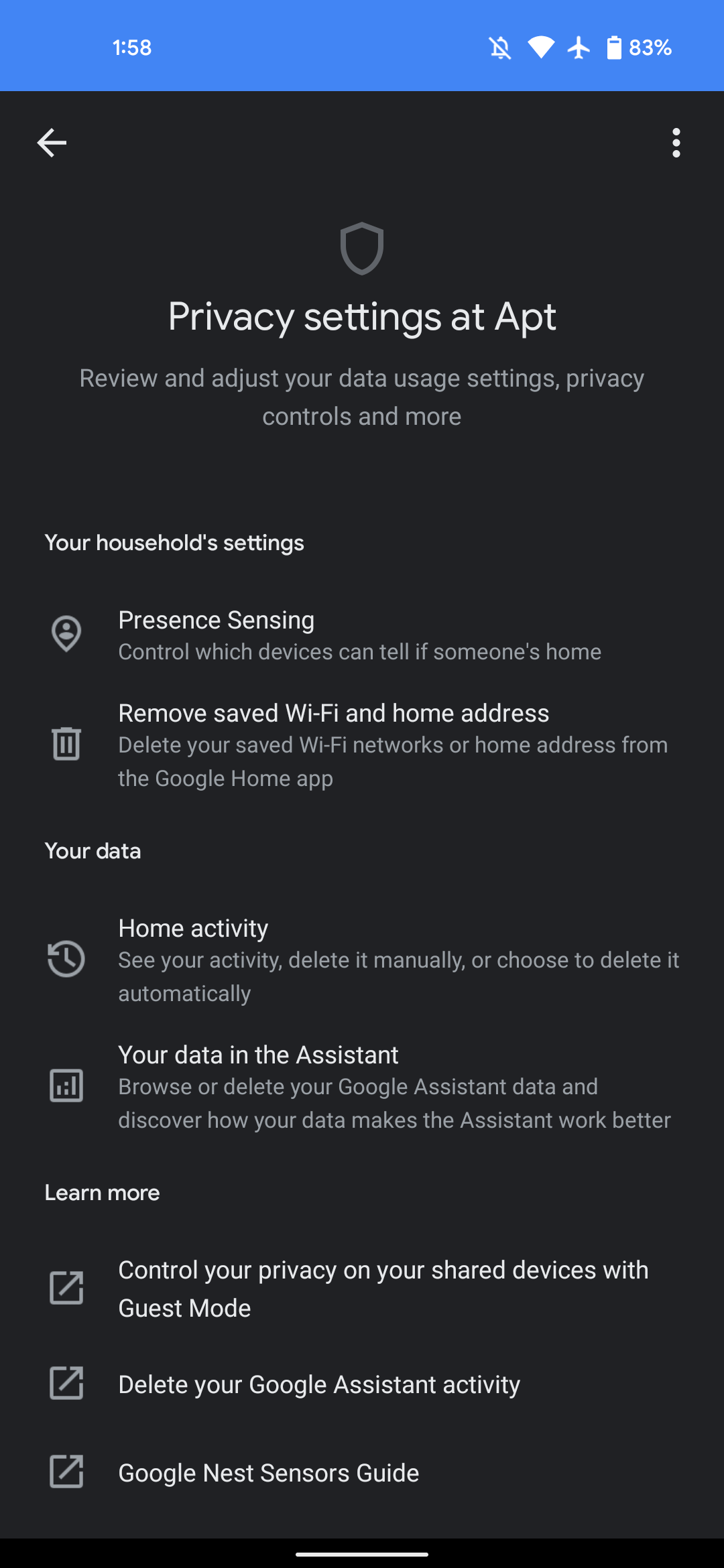
This new section speaks to the sprawling nature of the Google Home app, but it’s a good addition nevertheless to centralize everything. Google says the new Home Privacy settings page will be rolling out this week.
We’re seeing it live in version 2.49.1.8, which started rolling out last Tuesday with the new device toggles. The redesign of the Home tab has started to appear for those on Android that sideloaded, but the update is not yet available for all users via the Play Store.
More on Google Home:
- Google Home Essentials: SimpliSafe fills the security need Nest abandoned, for a cost
- [U: Rolled out] Google Home 2.48 brings Android TV remote to iOS, Wifi graph tweaks
- Your phone’s volume button no longer works in the Google Home app after latest update
Author: Abner Li
Source: 9TO5Google
