



Back in 2018, Google introduced a customizable Search widget and is now making those personalization options more apparent by supporting the changes introduced in Android 12+.
This applies to the Search widget that you manually place on your homescreen and not the one docked at the bottom of the Pixel Launcher. After placing or moving an existing widget, you’ll notice the edit pencil in the bottom-right corner. This opens the “Customize” page will four options:
- Bar logo: “Google” or multicolored ‘G’ at the left
- Bar shape: Rectangle with slightly rounded corners, more prominent curvature, or default pill-shape
- Bar color: Dark with four-color icons, light with gray, black with white, or custom with hue and saturation adjustments
- Bar shading: Slider from See through to Solid
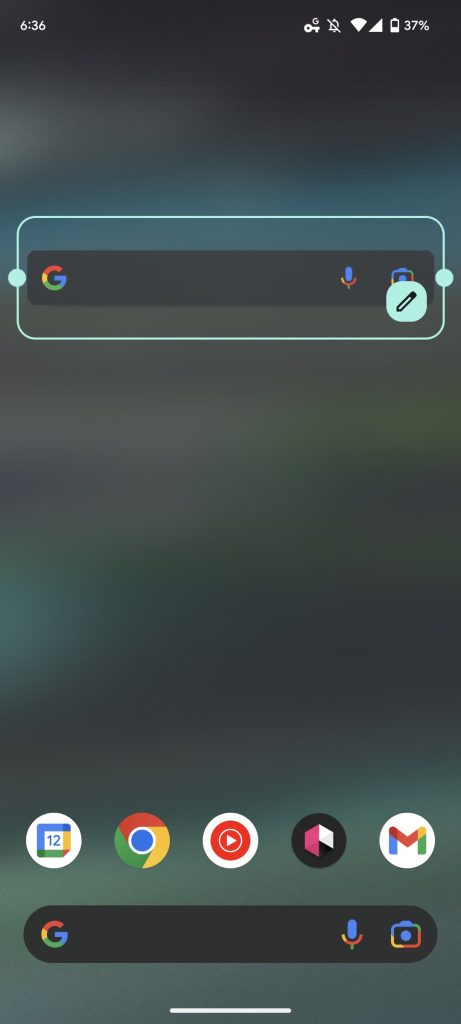
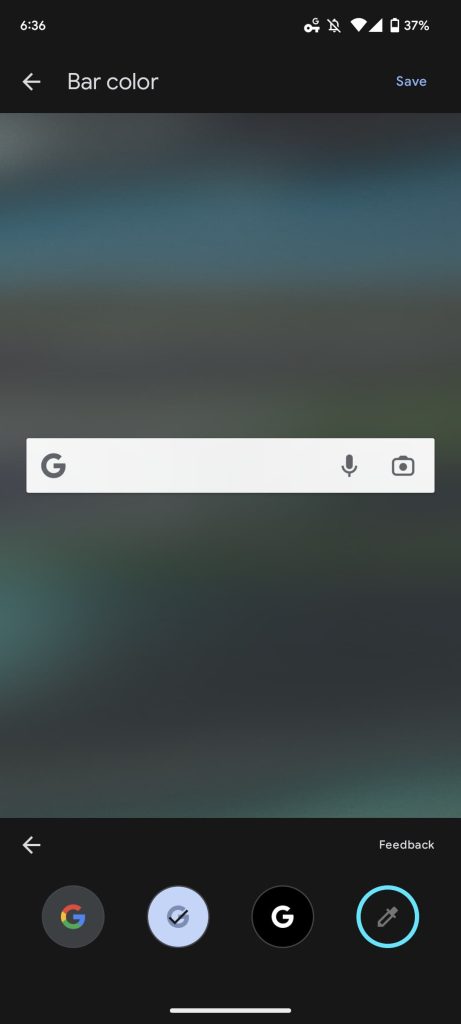
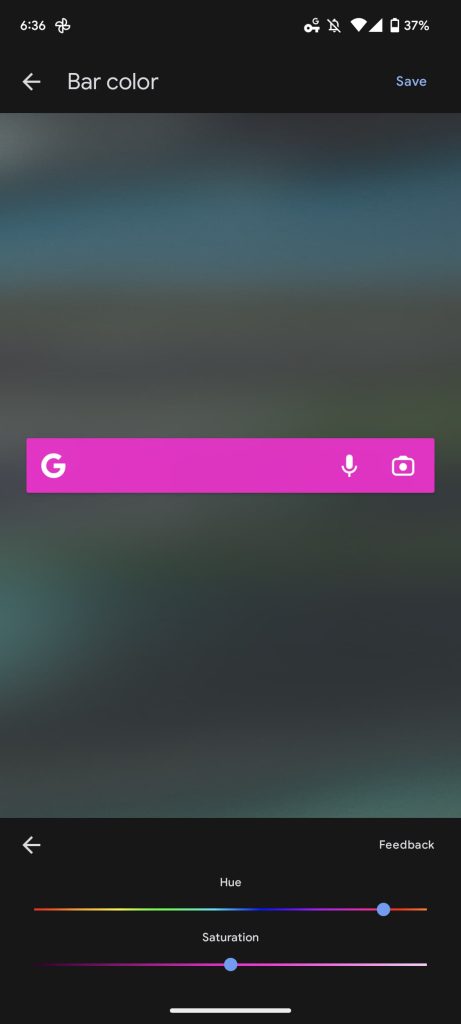
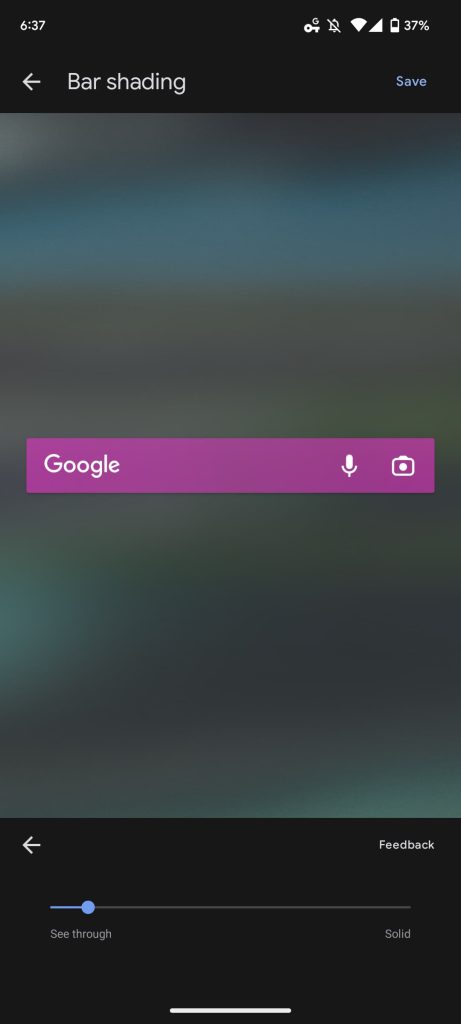
You get a live preview with your background wallpaper and “Save” button in the corner. A “Reset to Default Style” shortcut is available at the bottom.
Previously, you could only access this page from the Google app > Settings > Search Widget (at the bottom) > Customize widget. The preferences are now more likely to be encountered.
We’re seeing this change to the Search widget with version 13.40 of the Google app, which is currently in beta, on Android 12+, if not earlier. Given the Pixel Launcher bar, using the widget makes more sense on a non-Google device.
More on Google app:
- Google app rolling out ‘Results about you’ to help remove personal information [U]
- Discover and Search no longer open sites in fullscreen on Android
- Search adding ‘Discussions and forums’ section and translated news coverage
- Google adding more Search box suggestions and richer layouts for key results
Author: Abner Li
Source: 9TO5Google
