



As part of a broader Material You redesign, the Google app is getting a new shortcut to quickly access “Ads personalization,” which was recently overhauled.
Besides a Material You bottom bar and account menu, the revamped Google app on Android gets new Settings. This overhaul adds a “Privacy & Security” menu that offers “Search customization.” At the moment, there’s just a shortcut to “Ads personalization.”
This opens the new Google My Ad Center — introduced in November — to the “Manage Privacy” tab where you can turn on/off “Personalized ads” from the top-right corner. You’ll also see:
- Your Google Account info: Gender, Age, Language
- Categories used to show you ads: Relationships, Household income, Education, Industry, Employer size, Homeownership, Parenting
- Activity used to personalize ads: Web & App Activity, YouTube History, Areas where you’ve used Google

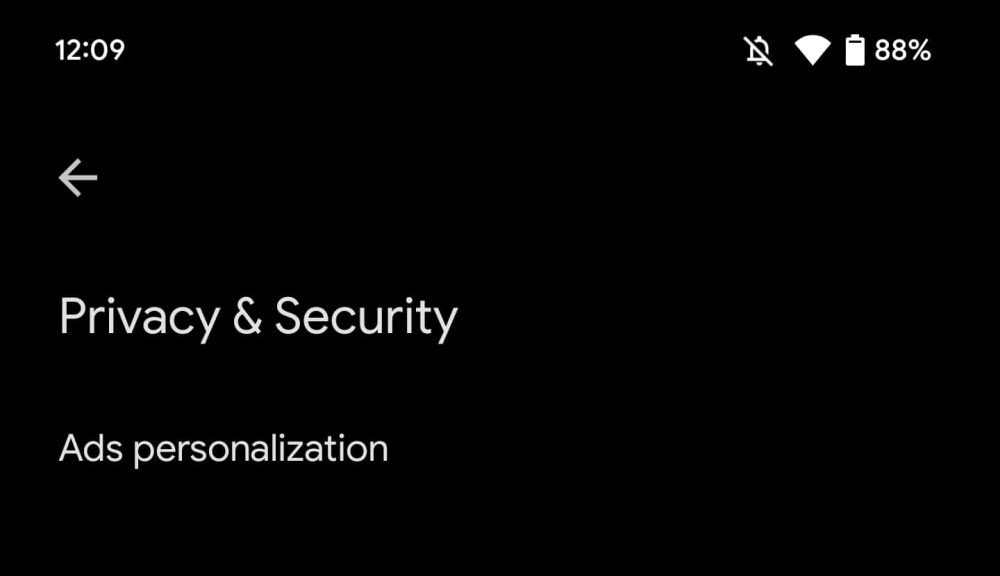
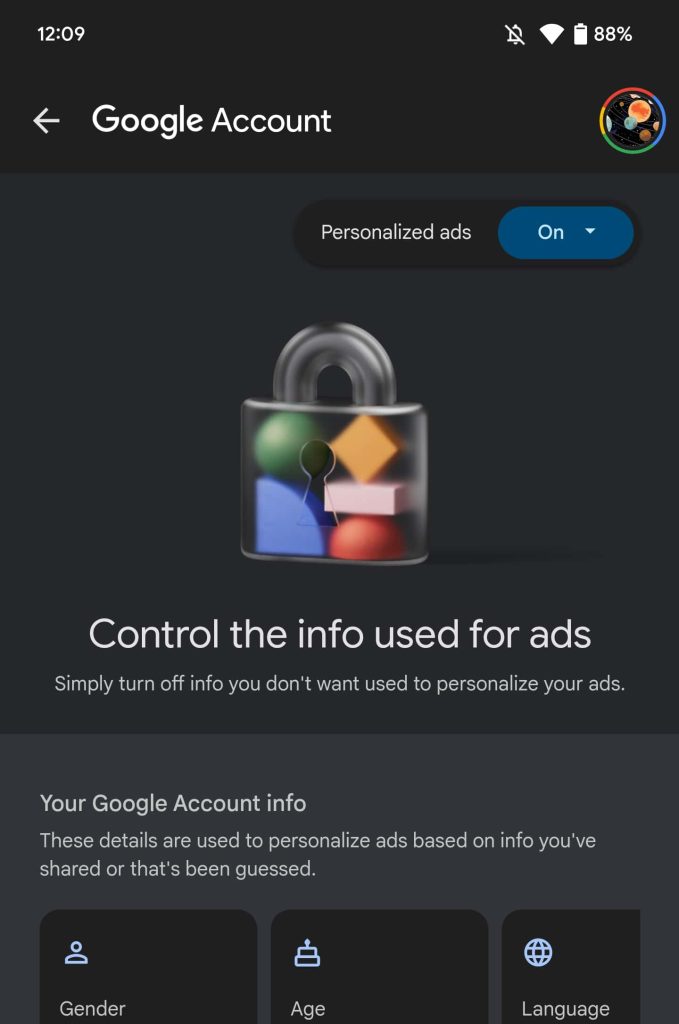
The Google app’s Material You redesign with Security & Privacy and Ads personalization is not widely rolled out yet. You can access it directly at myadcenter.google.com to customize advertising topics and brands.
Here’s how the settings look on tablets (where a navigation rail is also being tested):
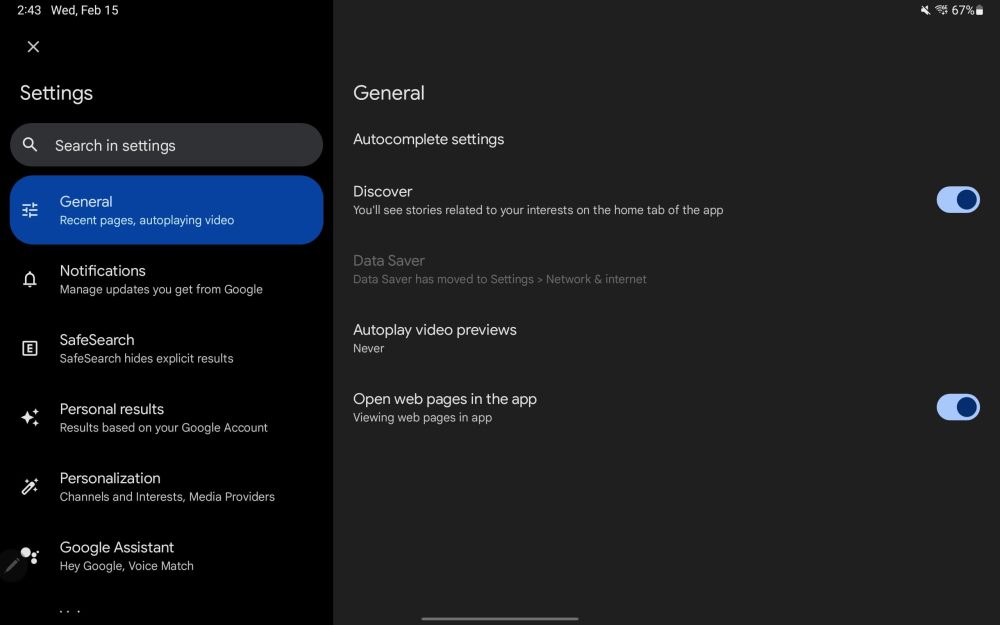
Note how the description for the Personalization menu above includes “Media Providers.” This is presumably in preparation for how the Pixel Tablet’s Google Discover feed will show movie and television recommendations.
- Pixel Tablet readies new designs for Google Assistant and Discover [Gallery]
- Google Discover rolls out three-column UI ahead of Pixel Tablet
- Here’s what it’ll be like to use the Google Pixel Tablet [Video]
Author: Abner Li
Source: 9TO5Google
