


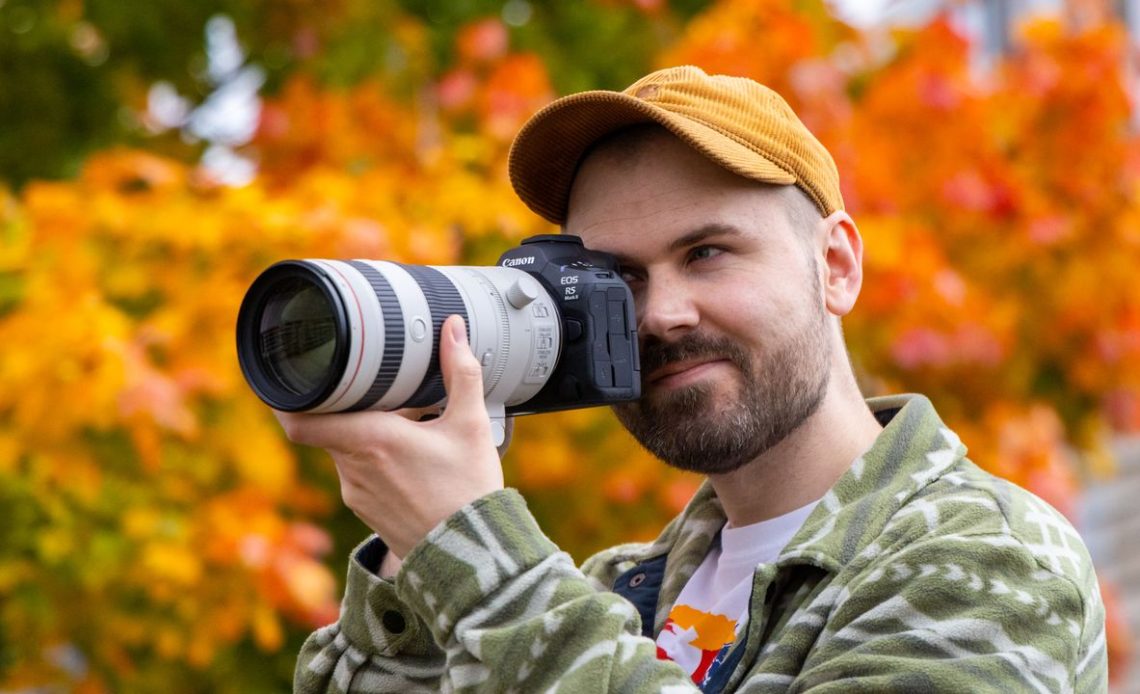
Modern mirrorless cameras have the advantage of reading out the on-sensor data and showing you an image on the back of the camera, called ‘Live View’. Compacts and smartphones are also technically mirrorless and work in much the same way. But I’m old enough to remember a time before Live View and I’m sure many of you who shot on film before digital came took over will be familiar, too.
The viewfinders DSLRs are optical so you’re looking directly through the lens via a series of prisms and mirrors in the camera body. If it’s really bright you’ll be able to see the scene clearly, but if it’s dark, it’ll be much harder to make out what is in your frame. You also can’t rely on how bright or dark the viewfinder is to give you any indication of how your exposure will turn out, you need to know your settings, read the lightmeter and check your shots regularly to make sure they’re all good.
With mirrorless cameras, whether you look at the scene on your rear LCD screen or electronic viewfinder (with the exception of rangefinders) what you see is precisely what you get as the image presented to you on a digital display.
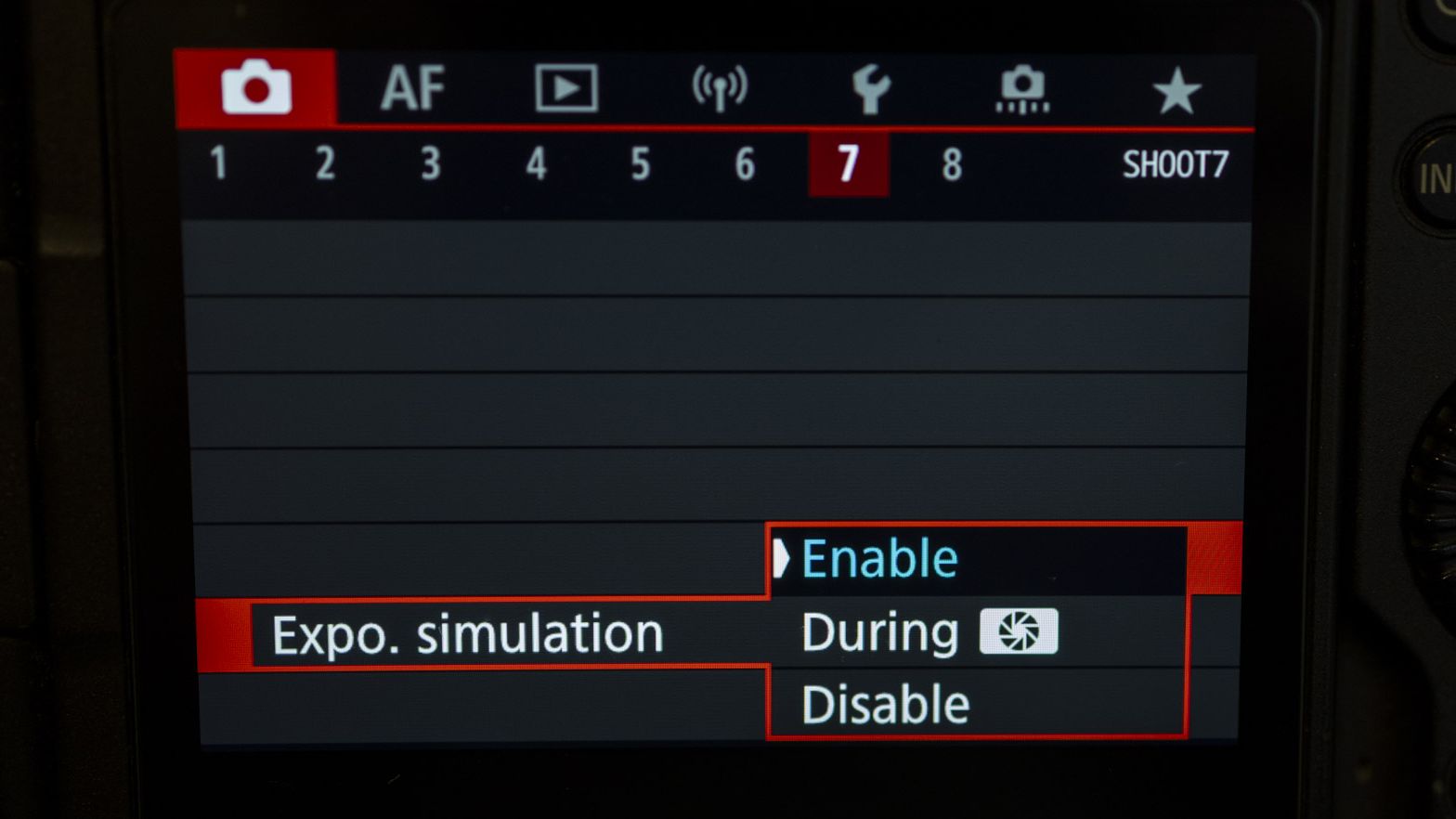
This is brilliant in many ways and much more intuitive for beginners – if the image looks too dark, you can play with the camera settings by extending the shutter speed, or opening the aperture to a wider value, or boost the ISO until the picture looks well exposed. You can, of course, use this in tandem with your camera’s built-in light meter and histogram for a belt and braces approach to exposure.
This is a setting called Exposure Simulation on my Canon and is enabled by default, though it will be called something similar on other camera brands, such as Exposure Preview. In most scenarios when working with natural light I would recommend this setting is enabled, though when working with flash in a dimly lit studio and your shutter speed is restricted by the sync speed of the flash, it may be worth temporarily disabling exposure simulation if you can’t see your frame.
In a studio, setting your camera can’t meter for the bright burst of flash light that is yet to fire, so the exposure simulation could make the LCD and viewfinder appear very dark, though if your strobes have modelling lamps this should be enough to help you see the screen clearly.
Author: Dan Mold
Source: DigitalCameraWorld
Reviewed By: Editorial Team
