



Last month on the day of Samsung’s official unveiling of the Galaxy Z Fold3 and Z Flip3 WhatsApp unveiled plans to support moving chat history from iOS to Samsung devices running Android 10 or 11.
Today this feature finally went live. So, if you have a Samsung handset on Android 10 or 11 and want to transfer your chat history to it from an iPhone, you can now do so.
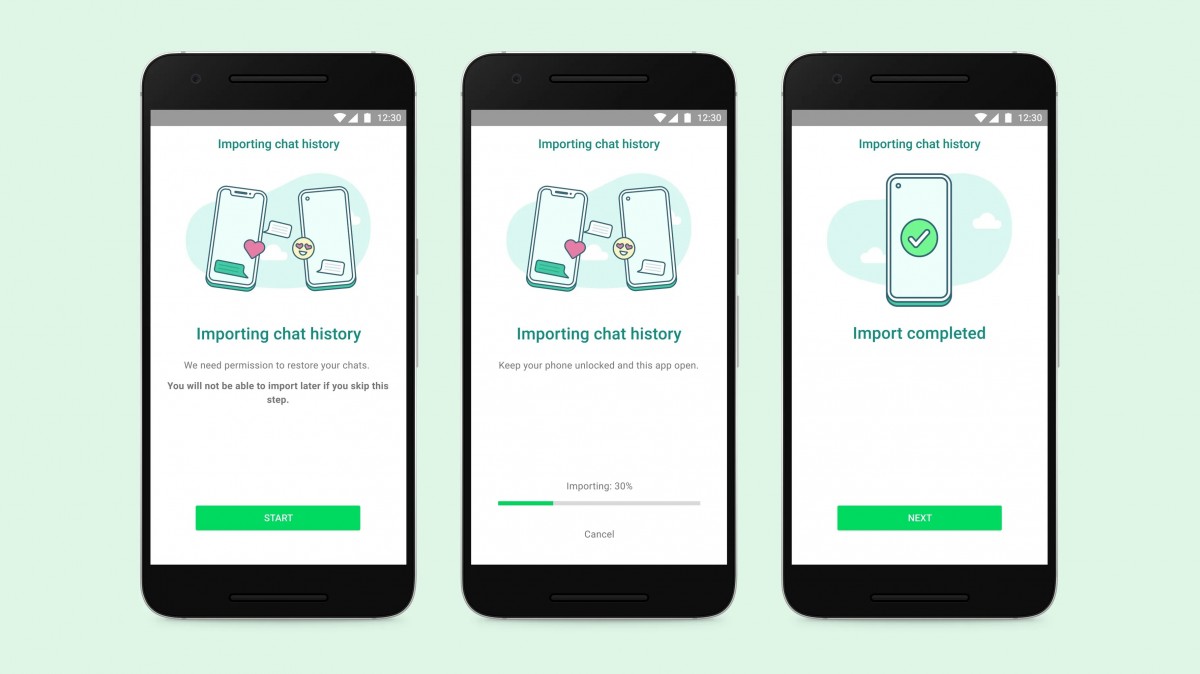
The entire process happens without your messages ever being sent to WhatsApp, and includes voice messages, photos, and videos. When you set up WhatsApp on a new Samsung device running Android 10 or 11 you’ll get the option to securely transfer your chats over from an iPhone. You’ll need a USB-C to Lightning cable for this.
Account information, your profile photo, individual chats, group chats, chat history, media and settings are all transferred over. Call history and your display name won’t make the jump, however.
The full details about how the process works can be found here. It requires Samsung Smart Switch and apparently you can only do this when your Samsung is new or after you reset it to factory settings.
WhatsApp says this feature will become available for more Android devices “soon”.
Author: Vlad
Source: GSMArena
