


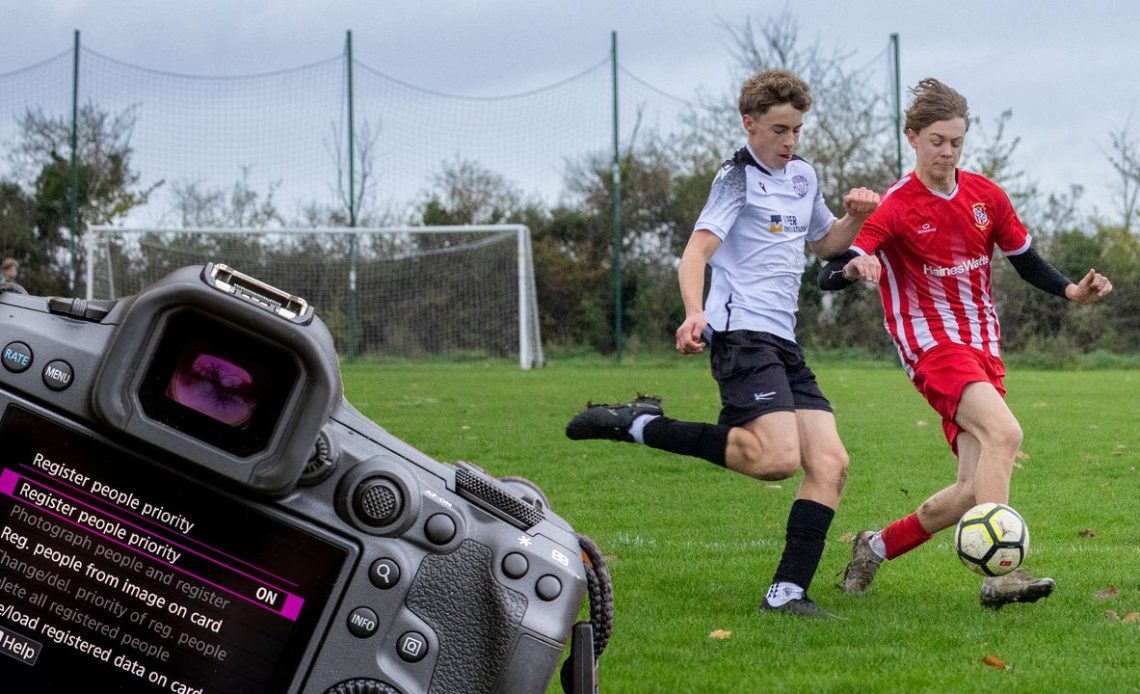
Canon’s latest AI autofocus technology needs to be seen to be believed! Everyone knows about the Eye Detection AF, which locks on your subject – whether it’s a soccer player, owl in flight, or racing driver in a car on the track. But one setting that doesn’t get enough attention and applause is Register People Priority.
This is a brilliant feature available in cameras like the new EOS R6 Mark III, EOS R3, EOS R1, and the EOS R5 Mark II, which I was using to take photos of my son playing soccer at the weekend.
It’s simple to set it up. To register the person you want to focus on, a soccer player in a match in my situation, just scroll to the AF menu and select Register People Priority.
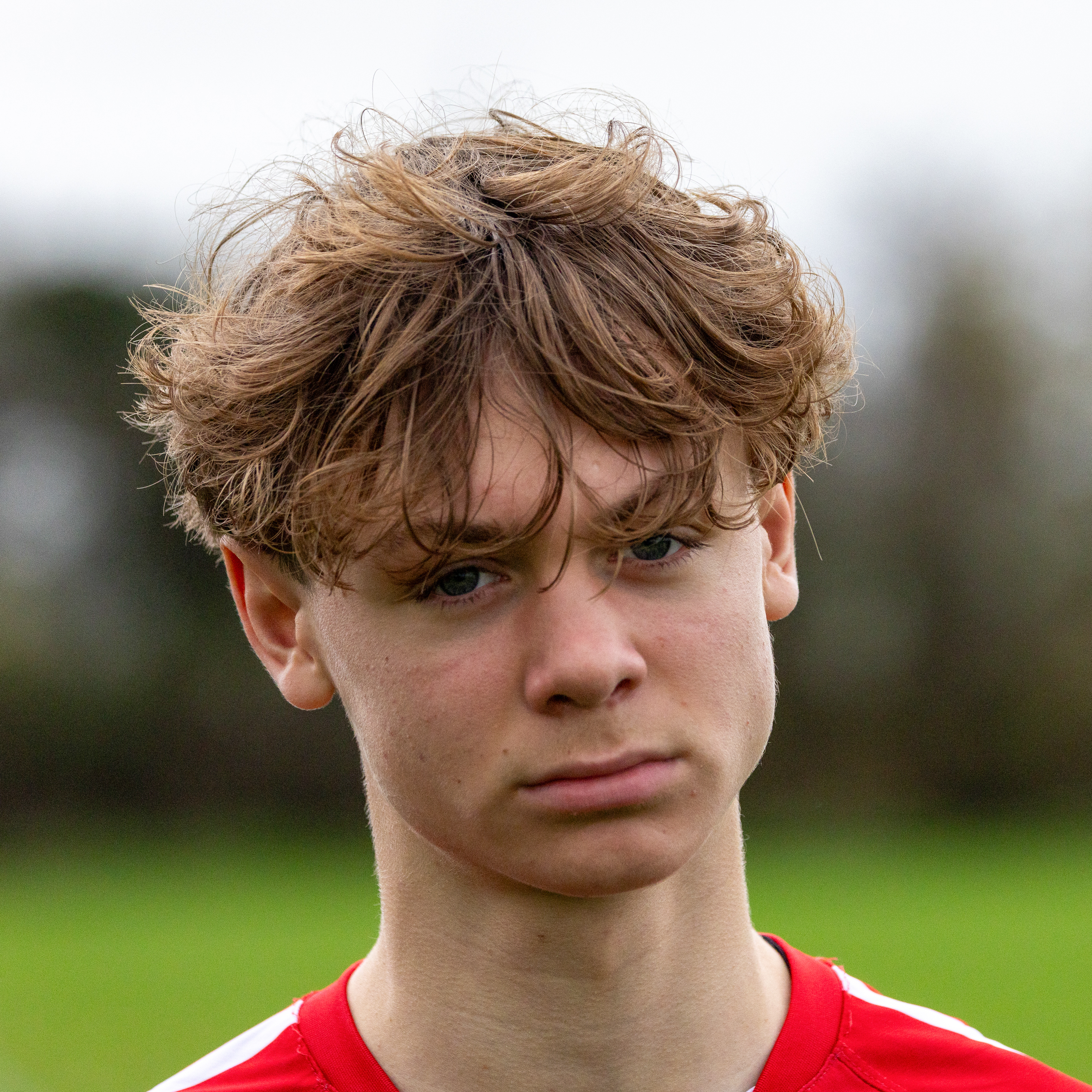
Switch Register People Priority to ON, then you can take a quick headshot of your subject using the Photograph People And Register option.
Your Canon EOS camera will now save the face information to prioritize your subject when using autofocus. Alternatively you can use an existing image on a memory card and register that.
It goes without saying – but I’ll say it anyway – you need your Canon EOS camera’s AF modes already set up to shoot action sports. So I’ll list the settings here I used on my Canon EOS R5 Mark II, in case you don’t already know for soccer:
My menu settings for shooting soccer
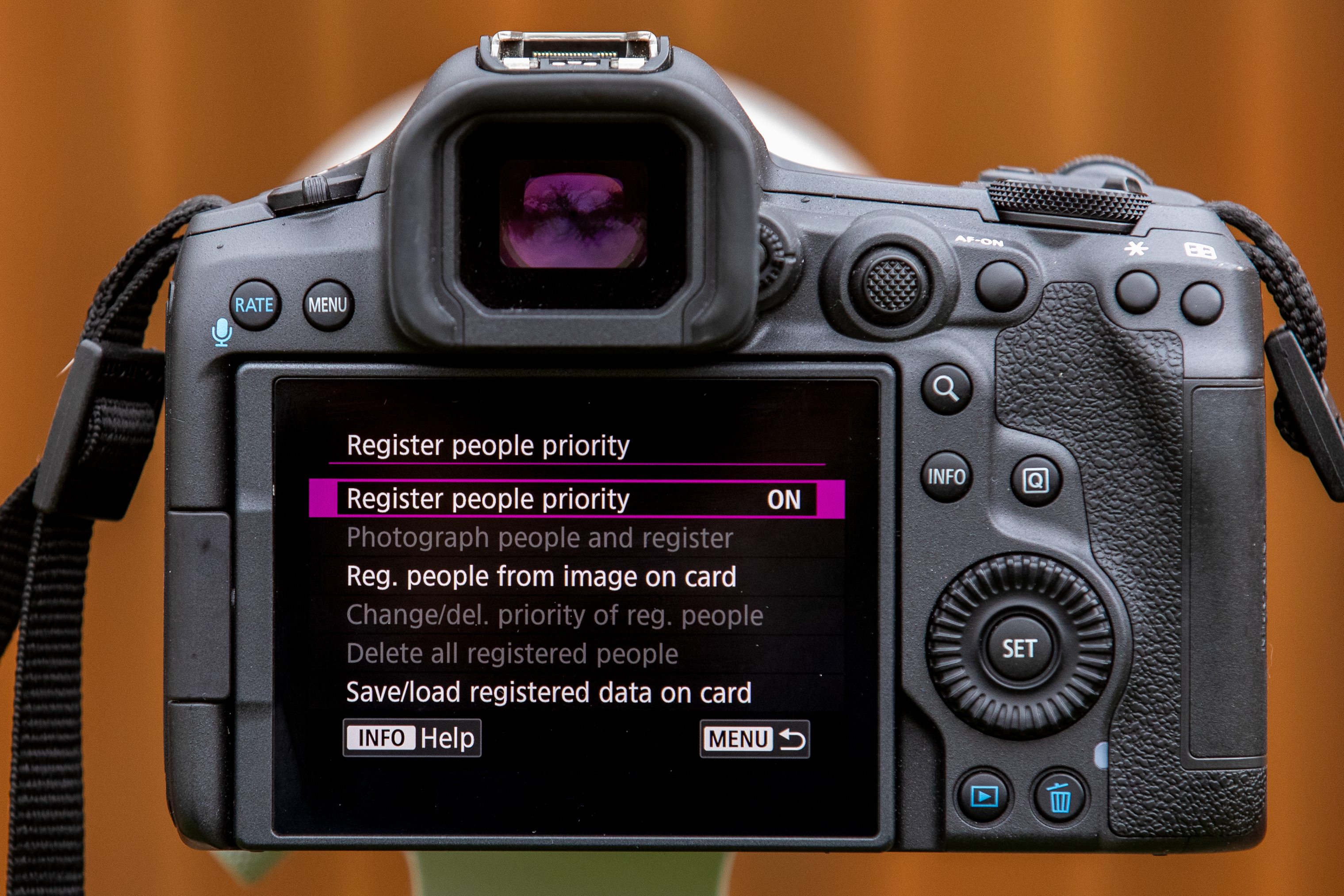
AF pink menu 1:
AF operation – SERVO
AF area – Expand AF area: Around
Whole area tracking Servo AF – On
AF pink menu 2:
Subject to detect – People
Eye detection – Auto
Register People Priority – On
Action priority setting 1 – Enable
Action priority setting 2 – Sports Events – Soccer
Also use High-Speed Continuous Drive mode, and set the AF-ON button for back-button focusing to give you more control.
Now you’re good to go! During the match, aim your camera and ensure the player you want to track is in your frame. Whenever the camera highlights your registered subject, a little ‘headshot in a box’ icon appears in the viewfinder (or rear screen) along with a small white cross-hairs box – so you can be sure it’s your player. Press AF-ON to focus, and a small blue box confirms focus locked, and press the shutter button to fire off a burst of shots.
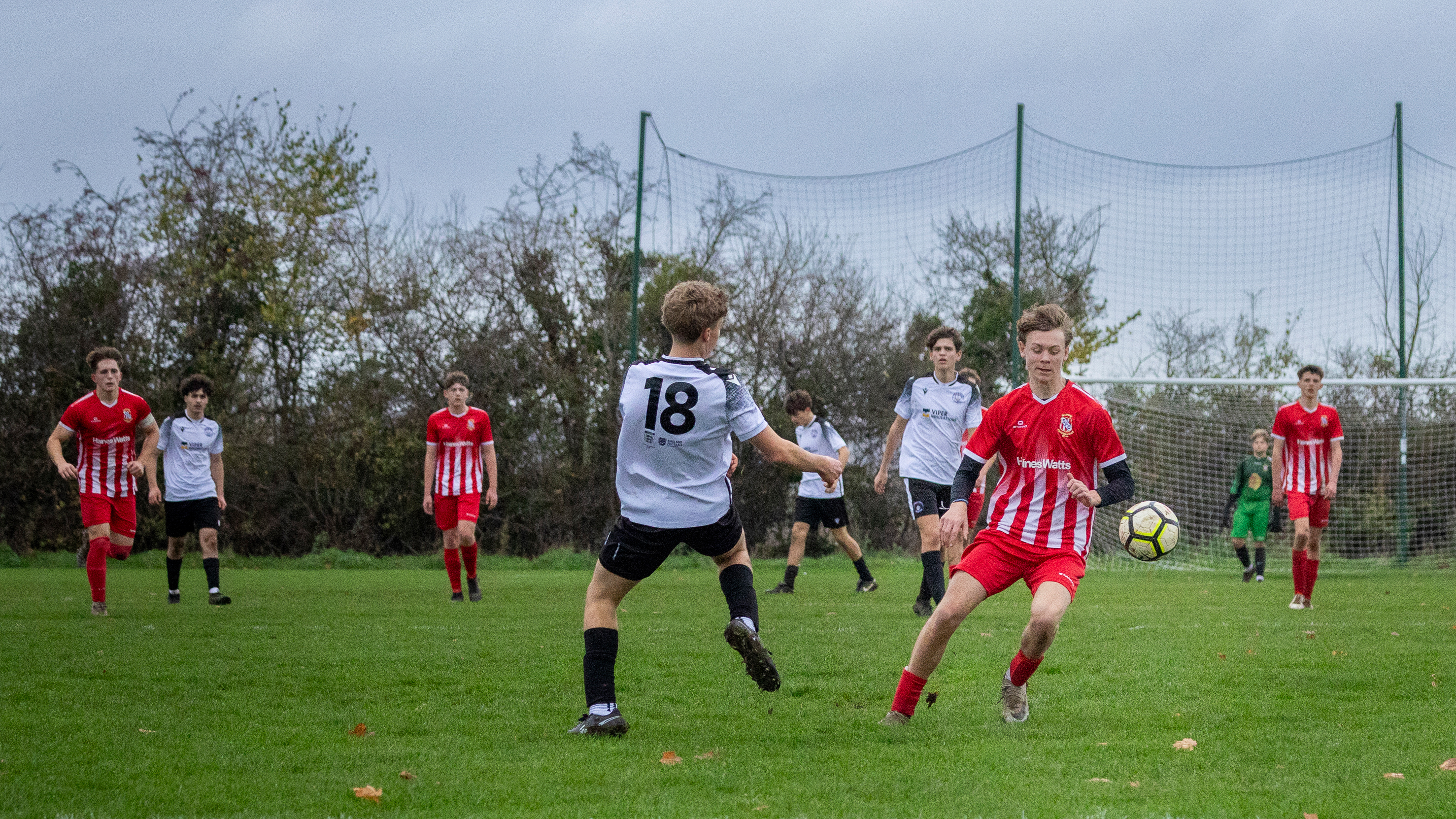
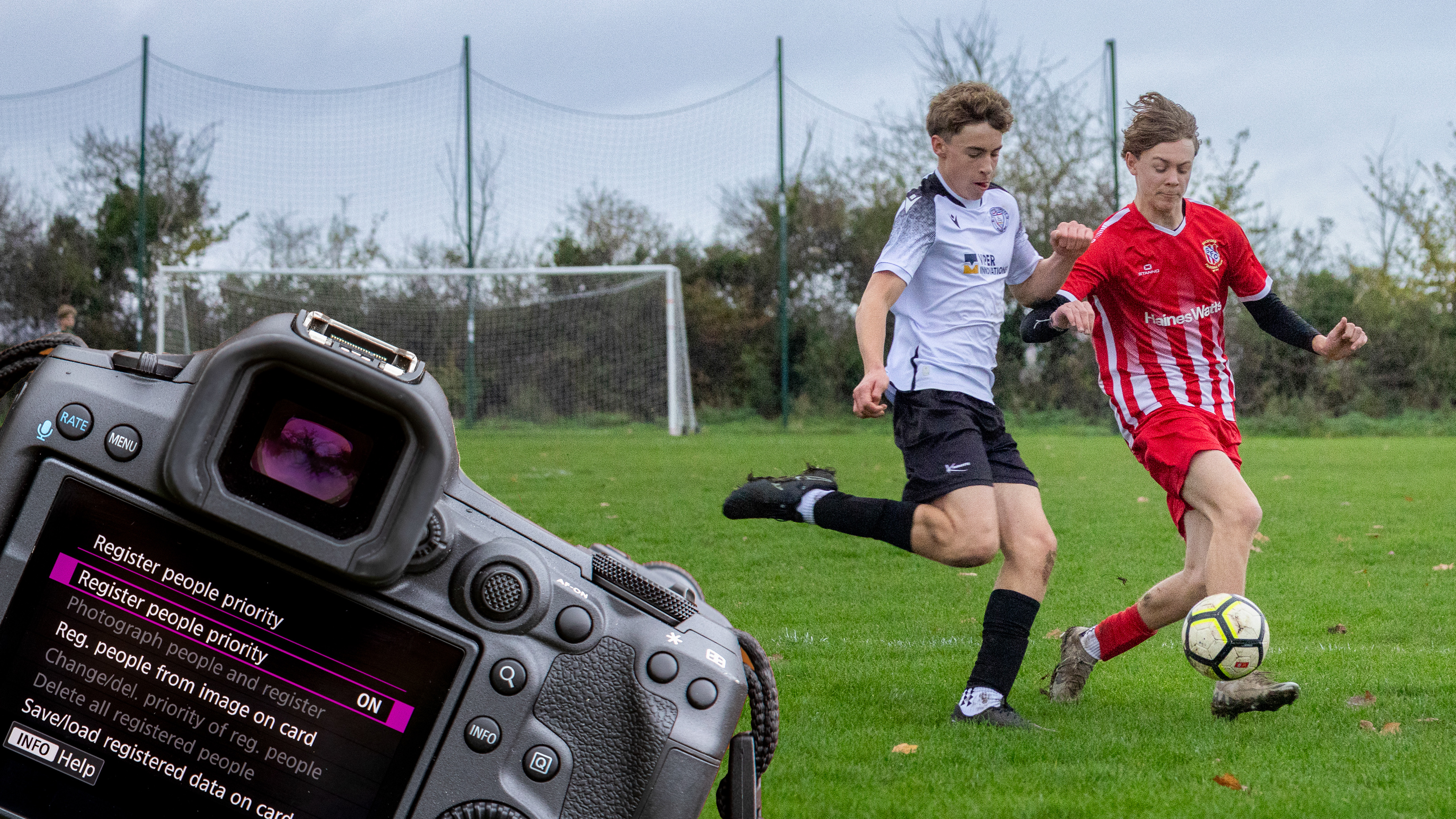
In the past, when shooting sports without Register People Priority, cameras would focus on the player closest to me, or the players with their face looking towards me and easiest to focus, but not always the player I wanted to focus on.
With Register People Priority set up, as long as the camera can see the player’s head (and ideally the eyes, nose and mouth are visible) it will highlight them in the viewfinder for you to focus and shoot. During the match, I found the R5 Mark II could find my player even when in profile or if their hair was in their eyes.
I’m a convert and will be using this super-clever mode every time for sports photos in the future.
Author: Peter Travers
Source: DigitalCameraWorld
Reviewed By: Editorial Team
