


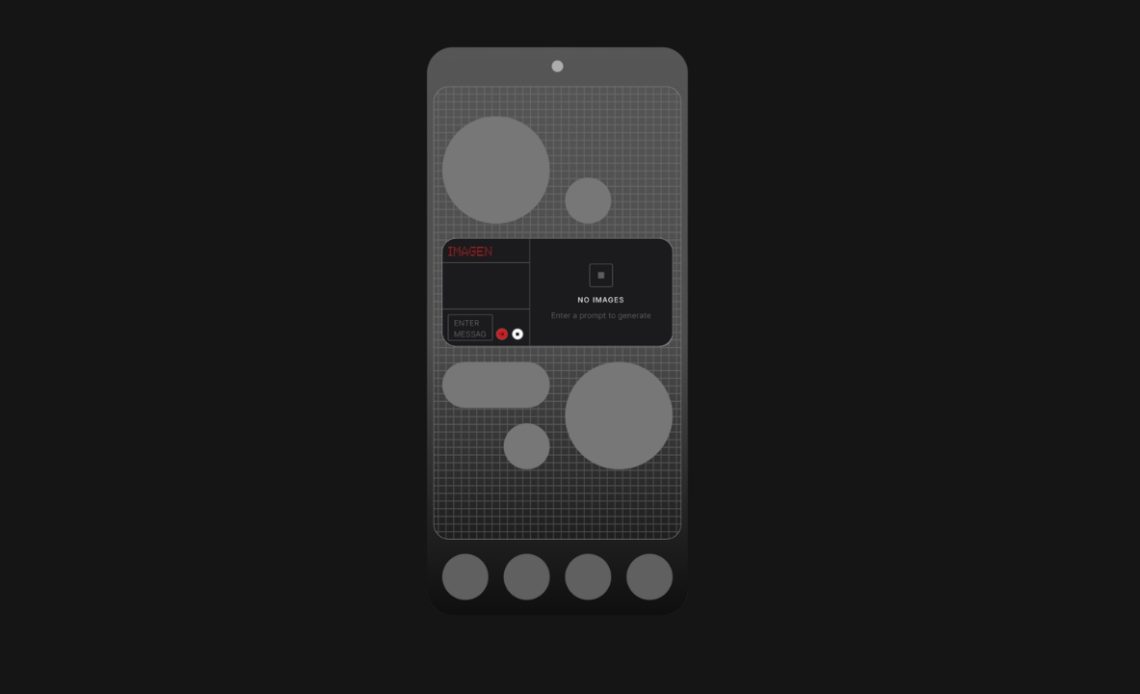
Nothing Essential Apps beta has been announced by the UK-based brand. While currently limited to its flagship, Nothing says its Ai-based mini-app and widget builder will soon come to older Nothing and CMF phones as well. Here’s how you can use the feature.
Nothing Playground launched last September with the early Alpha version of the Essential Apps Builder as an internal and limited community release. During that stage, the company offered a small group of early adopters access to help it test the Apps Builder for the first time and validate that personal apps could be created through simple language.
Now, the Nothing Essential Apps beta has been announced for the general public but it is still locked behind a waitlist so you’ll have to wait for your turn. The Essential Apps Builder resides inside Playground. You describe what you want in plain language and our AI-powered Apps Builder creates it. When you edit something, only those specific parts update. Your App stays stable and gets more reliable over time.
When you update an app now, it doesn’t reset. The Builder changes only what you asked for and keeps the rest intact. And if an update goes wrong, you can restore an earlier version in one click. Once it’s ready, one tap deploys it to your phone and then it appears instantly on your home screen, as explained by Nothing in a community post.
The Playground community platform, where the Essential Apps builder is present, can be accessed through the website for now but a native app is also incoming, said the brand. “Playground brings all of Nothing’s creative tools together. Glyph Toys, Camera Presets, EQ Profiles. Ideas can move easily between creation and sharing.”
As for Nothing Essential Apps, these are described as “one part of the Essential Suite of AI Tools, which also includes Essential Space, Essential Search and Essential Memory.”
Explaing why it is restricted to Phone (3) for now, Nothing says the device has “the performance to run multiple Essential Apps while we refine the system. Starting here lets us validate behaviour and iron out issues before expanding to other devices.” As Beta stabilises, Essential Apps will roll out to Nothing and CMF devices running Nothing OS 4.0 and above.
Also Read: Nothing Phone 4a Launch Teased, Multiple Colour Options Expected
Nothing Essential Apps Capabilities
Essential Apps fully support three permissions. Location, Calendar (read only) and Contacts. That means you can build location-based reminders, agenda views, meeting countdowns and one-tap contact widgets.
More capabilities are coming, including camera and microphone access, network fetching, notifications, vibration, calling and Bluetooth. “They exist but we’re preparing them for stable release,” the brand noted.
A late February OS update will unlock activity recognition, usage statistics, sensor data and the system Weather API.
Essential Apps support image uploads including formats like JPEG, PNG, GIF and WebP. Icons, audio and custom fonts are coming in a future Beta update. The company is also rolling out a refreshed design baseline to improve spacing, typography, tap areas, accessibility and dark mode consistency. Widget sizes available today are 2×2 and 4×2. The 1×2 and 4×4 sizes will arrive in a future Beta update.
Nothing clarified that Essential Apps will move to public release later this year once system integrations are stable and device compatibility is confirmed. Remixing apps directly inside Playground will also arrive then.
Author: Abhishek Malhotra
Source: The Mobile Indian
Reviewed By: Editorial Team
