


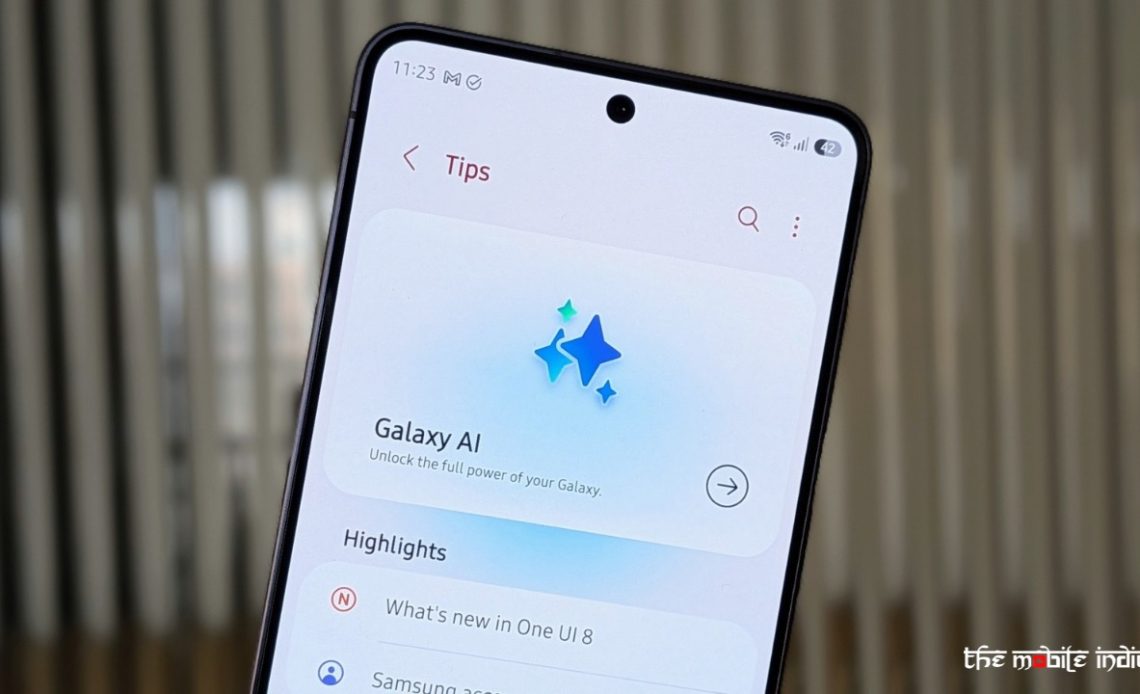
For years, AI in smartphones felt more like a supporting act than the main event. You had voice assistants that worked when they felt like it, camera tricks that were impressive but predictable, and smart suggestions that rarely felt all that smart. Most of it stayed in the background, and very little of it changed how you actually used your phone.
Samsung’s Galaxy AI is one of the first serious attempts to change that equation. Instead of treating AI as a feature, Samsung is positioning it as a layer that runs across the entire smartphone experience, quietly shaping how you communicate, edit, search, and even interact with your device.
The real question, though, is whether this is genuinely the best implementation of AI on a smartphone today, or just the most feature-heavy one.
To answer that, you have to look at everything Galaxy AI brings to the table.
What Galaxy AI Actually Is
Galaxy AI is not a single tool or assistant. It is a collection of AI-driven features embedded across Samsung’s ecosystem, spanning communication, productivity, creativity, and system-level intelligence.
Introduced with One UI 6.1 and expanded significantly through One UI 7, One UI 8, and now One UI 8.5, Galaxy AI combines on-device processing with cloud-based models. Some features prioritise speed and privacy by running locally, while others lean on more powerful cloud systems for deeper analysis and generative capabilities.
What makes it stand out is not just the presence of AI, but how consistently it shows up across the entire interface.
Communication: Where Galaxy AI Feels Instantly Useful
If there is one area where Galaxy AI proves its value quickly, it is communication.
Features like Live Translate come in handy, where it allows real-time translation during phone calls and further works directly within the pre-installed dialer app, so translating both sides of the conversation is possible without needing a separate app.
Chat Assist, built into the Samsung Keyboard, helps rewrite messages, adjust tone, fix grammar, or translate text on the fly. It is especially useful when you are switching between casual chats and more formal communication.
Note Assist turns messy notes into structured summaries, complete with formatting and key points, while Transcript Assist can transcribe and summarise voice recordings, making it genuinely useful for meetings or interviews.
Interpreter Mode goes a step further by enabling real-time, face-to-face translation with a split-screen interface.
With One UI 8.5, Samsung has also leaned into call intelligence. Call Assist and AI-powered call screening can answer unknown calls on your behalf, ask the caller’s purpose, and present a live transcript before you decide whether to pick up. In some cases, the system can even summarise the intent of the call, which is a small but meaningful shift in how you deal with interruptions.
Productivity and Contextual Intelligence
This is where Samsung is trying to push beyond reactive AI and move toward something that feels more proactive.
Circle to Search, powered through Google’s ecosystem, lets you circle anything on your screen to instantly look it up. It reduces friction in a way that feels obvious once you start using it. However, this is a feature even budget phones nowadays come packed with.
Features like Now Bar and Now Brief act as evolving dashboards, surfacing relevant information throughout the day based on your activity. With One UI 8.5, this evolves further into Now Nudge, which proactively suggests actions based on context. If you are looking at a location, it might suggest navigation or booking options without needing explicit input.

Basis of our personal use, the Now Brief has shown mixed results but then again, it offers extended possibilities if you have Samsung home appliances at your place and when it works with that, it simply turns into a genius feature. Again, that’s an advantage no other smartphone brand has in India because they don’t offer the extensive selection of products Samsung has on offer.
Samsung has also improved system-wide search through what is essentially natural language Finder AI, allowing you to search your phone in plain English instead of relying on exact keywords.
Creativity and Media: AI That Actually Feels Hands-On
Samsung has clearly invested heavily in creative tools, and this is where Galaxy AI starts to feel competitive with, and in some cases ahead of, what others are offering.
Generative Edit allows you to move objects, remove distractions, or expand images using AI. It is not just about fixing photos anymore, it is about reshaping them.
Photo Assist, especially with its newer updates, makes editing more fluid by letting you experiment without constantly saving versions. You can iterate freely and finalise later, which changes how you approach editing altogether. Furhter, there’s an added text field in One UI 8.5 which allows you to add things from other images, and describe how these are combined with the image of your choice.
There is also a broader AI photo editing suite that handles lighting, background fill, and object removal, along with Instant Slow-Mo, which can generate additional frames to create slow-motion videos from standard footage.
With One UI 8.5, Samsung has added features like Audio Magic Eraser, which removes background noise from videos, making clips cleaner without needing third-party apps. And now this even works with third-party apps like YouTube and Instagram.
System-Level Intelligence and Automation
Where Galaxy AI becomes more interesting is at the system level, where it starts influencing how the phone behaves rather than just responding to commands.
You get personalised suggestions based on usage patterns, AI-driven notification summaries that condense multiple alerts into something readable, and privacy alerts that flag unusual data access.
Bixby’s Reinvention
For a long time, Bixby felt like an afterthought. That is no longer the case. In its newer form, Bixby is more conversational, better at understanding intent, and capable of handling multi-step tasks across apps. It is no longer trying to compete directly with general-purpose AI models but instead focuses on what it does best, which is controlling the device and then also executing system-level actions.
Multiple AI Assistants: A Flexibility No One Else Offers
One of the most important shifts with Galaxy AI, especially in One UI 8.5, is that Samsung is no longer treating AI as something tied to a single assistant.
Galaxy devices now support multiple full-fledged digital assistants:
- Gemini for contextual understanding, search, and multimodal tasks
- Bixby for device control and automation
- Perplexity as a proper digital assistant option for research-driven, real-time information
This is a fundamentally different approach compared to the rest of the industry. Most ecosystems are built around one assistant. Apple revolves around Siri, even as Apple Intelligence enhances it. Other Android brands largely depend on Google’s AI stack without offering meaningful alternatives at the system level.
Samsung, on the other hand, is giving users choice. Each assistant has its own strengths, and instead of forcing one system to do everything, Samsung allows you to use the one that fits your needs in that moment. It makes the experience feel more flexible and less restrictive, while further also ensuring the platform is not tied to the limitations of a single AI ecosystem.
Ecosystem and Cross-Device AI
Galaxy AI is not limited to smartphones.
Features like cross-device storage access, audio broadcasting through Auracast, and AI-powered experiences across Galaxy Watches and Buds show that Samsung is thinking beyond the phone itself.
The goal is clearly to create an AI ecosystem rather than just an AI phone. Yes, brands like Apple have recently added features like Live Translation in their flagship AirPods but Samsung has always been the first in introducing such features.
The Competition Is Still Catching Up
What makes Galaxy AI stand out even more is how it compares to what others are doing. Apple’s approach with Apple Intelligence is polished and carefully integrated, but it is still relatively narrow in scope. You get strong writing tools, smarter notifications, and a more capable Siri (which is still not ready by the way), but the overall feature set feels selective rather than expansive. It doesn’t offer anything unique over its competition.
Samsung has taken the opposite route by going wide. It is not just about doing one thing well, but about doing many things across different parts of the system. Translation, editing, search, automation, proactive suggestions, and now even multiple assistants all exist within the same framework. Other Android brands are moving in this direction too, but their implementations are still fragmented, often focusing on specific features rather than building a deeply integrated AI layer.
Right now, no other smartphone offers this level of breadth and variety of AI features across the entire system.
Final Verdict
Galaxy AI’s biggest strength is not any single feature. It is the scale and the philosophy behind it.
Samsung is not treating AI as a standalone tool or a single assistant. It is building an ecosystem where AI is everywhere, quietly improving different parts of the experience without demanding constant attention.
There are still areas where competitors may do things better individually. Apple’s approach is more refined in some cases, and Google still leads in certain AI capabilities. But when you look at the overall picture, no other brand is offering this combination of depth, integration, and flexibility. And that is what sets Galaxy AI apart.
Right now, it is not just one of the best implementations of AI on a smartphone. It is the most complete one available.
Author: Abhishek Malhotra
Source: The Mobile Indian
Reviewed By: Editorial Team
