


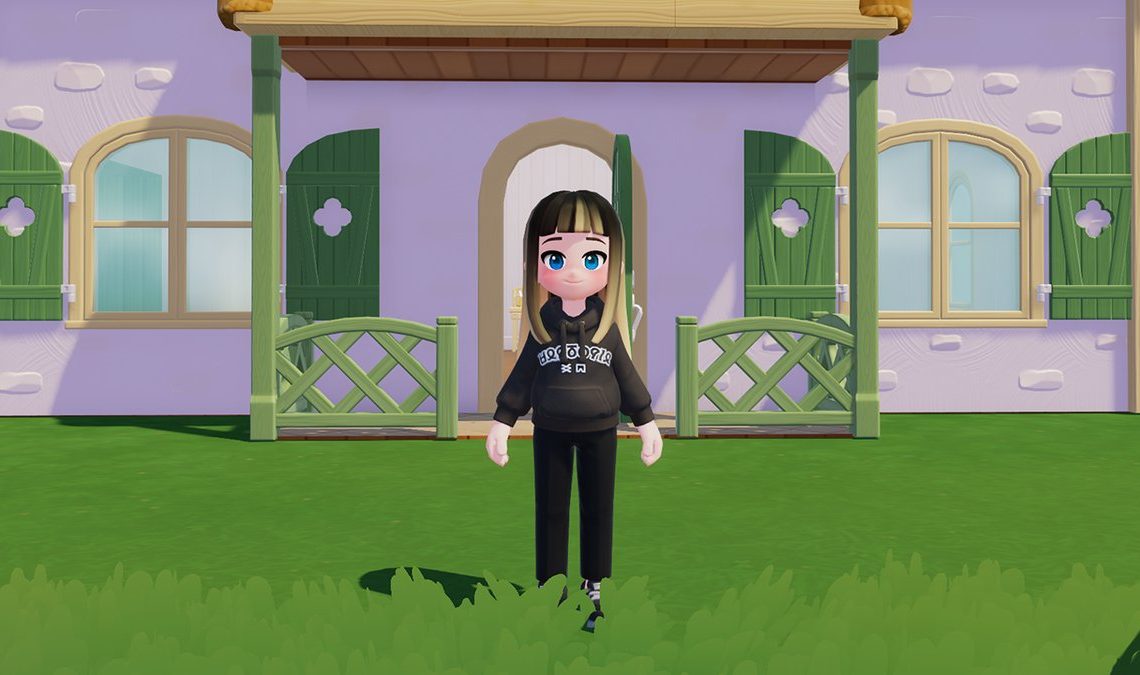
Baboo! Are you looking for Heartopia codes? You’ve come to the right place. Here you’ll find all the codes that we’ve collected for the cozy sim. Redeeming these will give you currency, resources, and extra Gold to help you settle into your new home.
Working Codes for Heartopia (January 2026)
- z4p6n8r2 – Quality Timber x10, Chef’s Special Saladx2, Branches x20 (NEW!) (Valid Until: 31 March 2026)
- letsdressup – Wishing Star x15, 5,000 Gold, Growth Booster x10 (Valid Until: 31 March 2026)
- letsbuild – Wishing Star x 15, 5,000 Gold, Fertilizer x10 (Valid Until: 31 March 2026)
- a7k9m2q8l – Wishing Star x5, Repair Kit x3, Blueberries x10 (Valid Until: 31 March 2026)
- mylittlepony – Moonlight Crystalsx100 (Valid Between: 8 January 2026 and 7 February 2026)
- heartopia0108 – Moonlight Crystalsx 100 (Valid Between: 8 January 2026 and 7 February 2026)
- specialgift0103 – Moonlight Crystals x100 (Valid Between: 8 January 2026 and 7 February 2026)
Expired Codes for Heartopia
There are currently no expired codes for Heartopia, so you’ve got lots of goodies to redeem above!
How to Use Heartopia Codes

Looking to play Heartopia and want to know how to redeem codes? Follow these steps:
- Launch Heartopia on your phone or PC
- Create your character and select “complete”
- Press Tab on PC or tap the watch in the top-right corner
- Click Setting
- On the General Tab, look for the Redeem Code bubble button in the bottom right
- Copy the code from this article and paste it into the bar that reads “Case Insensitive”
- Click Redeem and if the code has been successful, it will say “Redeemed! Please check the mailbox for rewards.”
FAQs for Heartopia
Have a particular question about Heartopia and codes? See our answers to frequently asked questions below.
How to Collect Heartopia Rewards

Rewards are automatically sent to your Mailbox once you’ve redeemed codes. To find your Mailbox, press Tab or tap the watch in the top-right corner. Click Mailbox. All of the gifts you’ve received can be then be claimed. You can do this individually by opening each mail, or by pressing Claim All in the bottom left corner.
Why Isn’t My Code for Heartopia Working?
When a code doesn’t work for Heartopia it’s usually because of two reasons:
- The code for Heartopia has expired
- There’s a spelling mistake or an additional space in the code
Codes for Heartopia are not case-sensitive, but sometimes, a series of letters and numbers. The best way to ensure you’ve got a working code is to directly copy it from this article. We check all codes before we upload them, so you can guarantee they’re working. Just double-check that you haven’t copied over an extra space!
How Do I Get More Codes for Heartopia?
We regularly check and test new codes, so the best way to get more codes for Heartopia is to visit this article. But if you want to mine for codes yourself, then the Discord server for Heartopia is the best place to go.
Author: Lauren Harper
Source: IGN Gaming
Reviewed By: Editorial Team
