


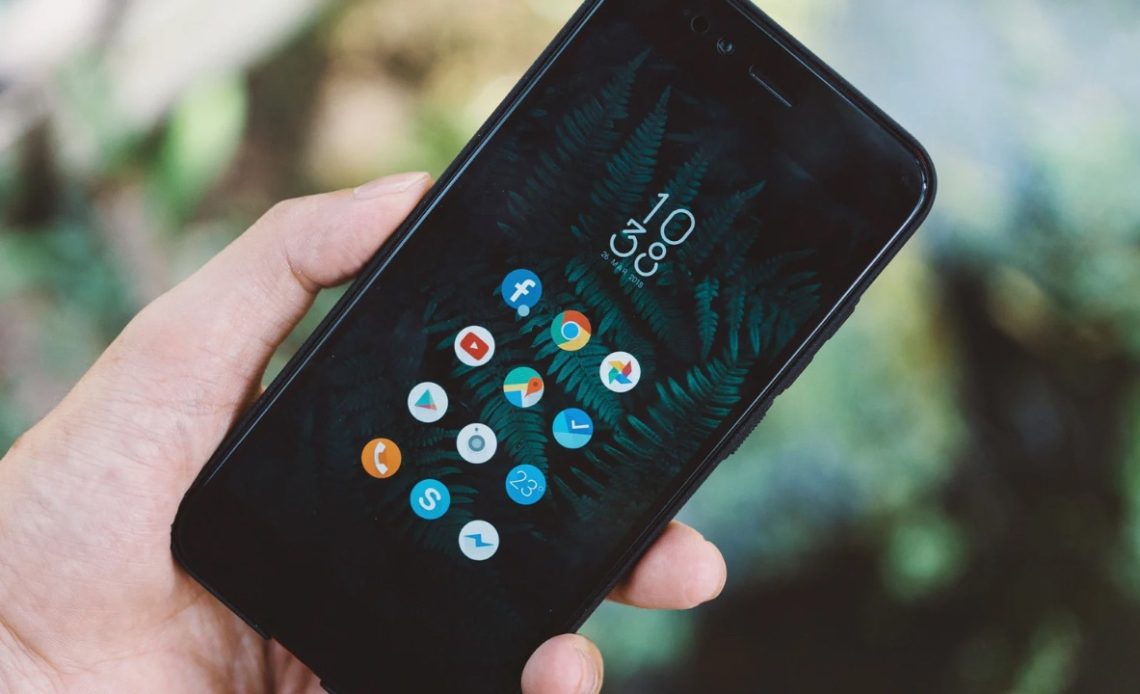
App lock is a feature most Android skins have had for a while now, except for phones from a couple of major OEMs like Samsung and Google who refuse to add the feature. However, it seems like that’s finally changing for Google at least, as the company has added an App lock feature in Android Canary 2603 alongside other new features.
As per the features spotted by 9to5Google in the latest Canary build of Android, Google has finally added an overdue App lock feature. With the new App lock feature in Android Canary 2603, users can protect apps they want behind an additional layer of privacy that will require them to unlock it with their PIN or fingerprint to use the app. You’ll be able to lock the app by long-pressing on its icon and then tapping on the “App lock” option.
A disclaimer then pops up, stating that notification content from the app will be hidden and any of the app’s widgets or shortcuts you might have on the home screen will also be removed. In our opinion, it’s a much-needed feature that needs to be baked into the system to reduce reliance on third-party apps for using such a feature on phones like Google Pixels.
Also Read: Google Announces an Advanced Flow for Sideloading Apps in Android Without Verification
However, Google notes that “features introduced in Canary may not always make it into a stable Android release.” We’ll know more about that if Google officially announces the feature, maybe with the upcoming Android 17 release.
Apart from the new App lock feature in Android Canary 2603, Google has also redesigned the screen recorder in where a new floating pill appears to “Start” recording or record only a certain app. Once the recording starts, as per 9to5Google, there’s a status bar indicator that appears to bring the floating UI where you can make changes by tapping the settings gear or “Stop.” Upon ending, you’re taken to a new interface that lets you preview the clip, “Edit,” “Delete,” or “Share.” Tapping “New” brings you back to the tool.
The new Bubble feature for apps which Google announced last month is also present in the latest Canary build, alongside the ability to create a separate quick settings tile for controlling Mobile Data (instead of a combined one with Wi-Fi until now). A couple of visual changes include a higher blur strength behind some pages in the UI and a redesigned app long-press menu.
Author: Abhishek Malhotra
Source: The Mobile Indian
Reviewed By: Editorial Team
